
Workshop Experience : Semester B Final Sessions
Well, Semester B is all over bar the folio presentations so thats about it for this section. Been a great semester and enjoyed working towards the final folio of images. Until next time !

©LesWillPhoto Canon 6D, 16mm, ISO800, f16, 1/60
Conscious that it has been awhile since I last posted. Been away touring through the wonderful Croatian inland and coastal areas, as well as staying on some wonderful islands enjoying the local food and olive oil and beaches. Will post up some photos when all downloaded and categorised. Great time though.
What that meant though was that I missed the 3 final Semester B sessions. I did read online all that was being discussed - one of the good things about PSC is that all class notes generally are available online - so didn't miss too much. That said, the bulk of these sessions were used for portfolio feedback which is something I did miss out on. Having seen some of my fellow students and where their images have got to, or their concepts, I realise that those feedback sessions would have really benefited my ideas as well of course. The price of a holiday during semester !
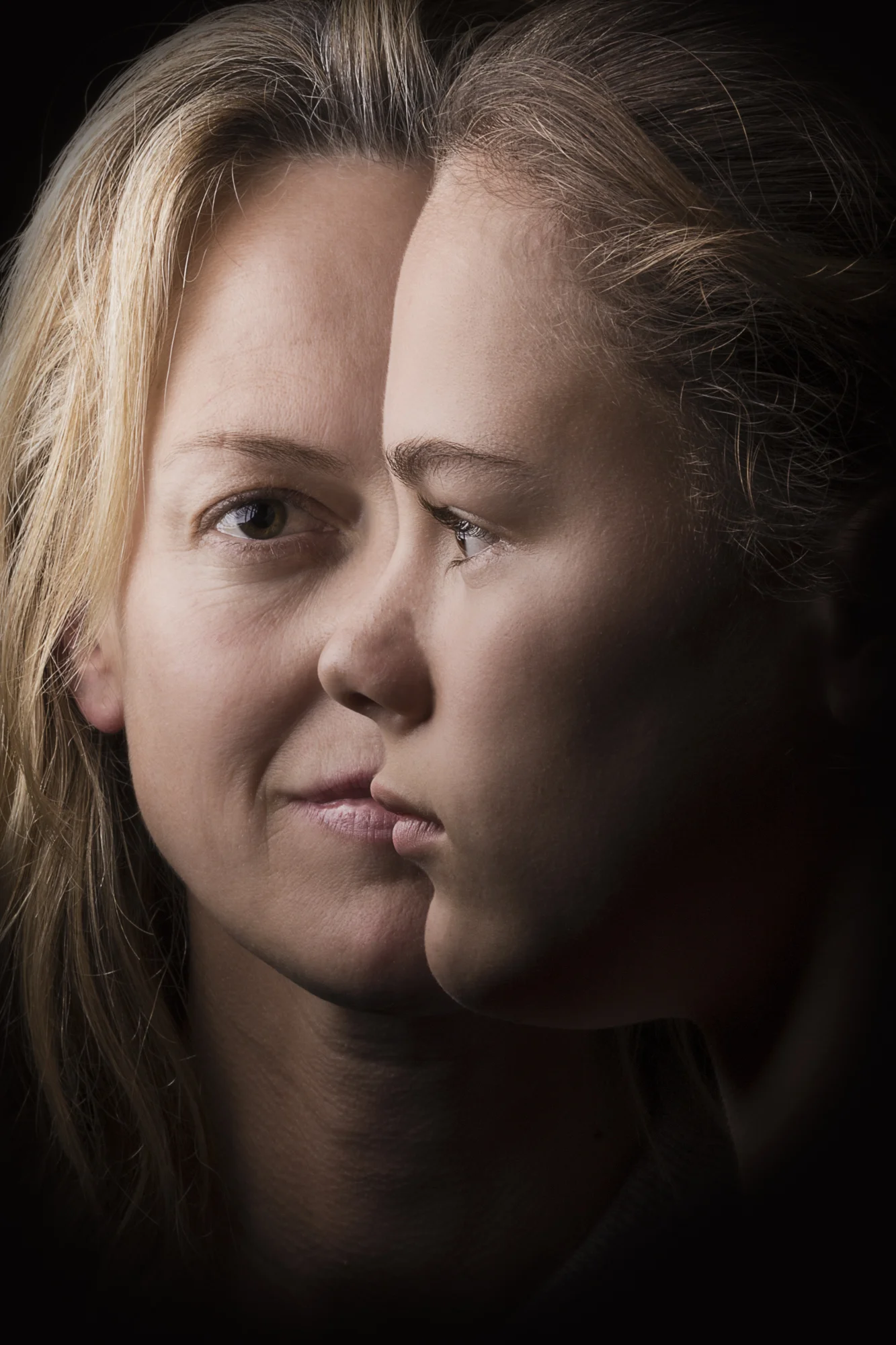
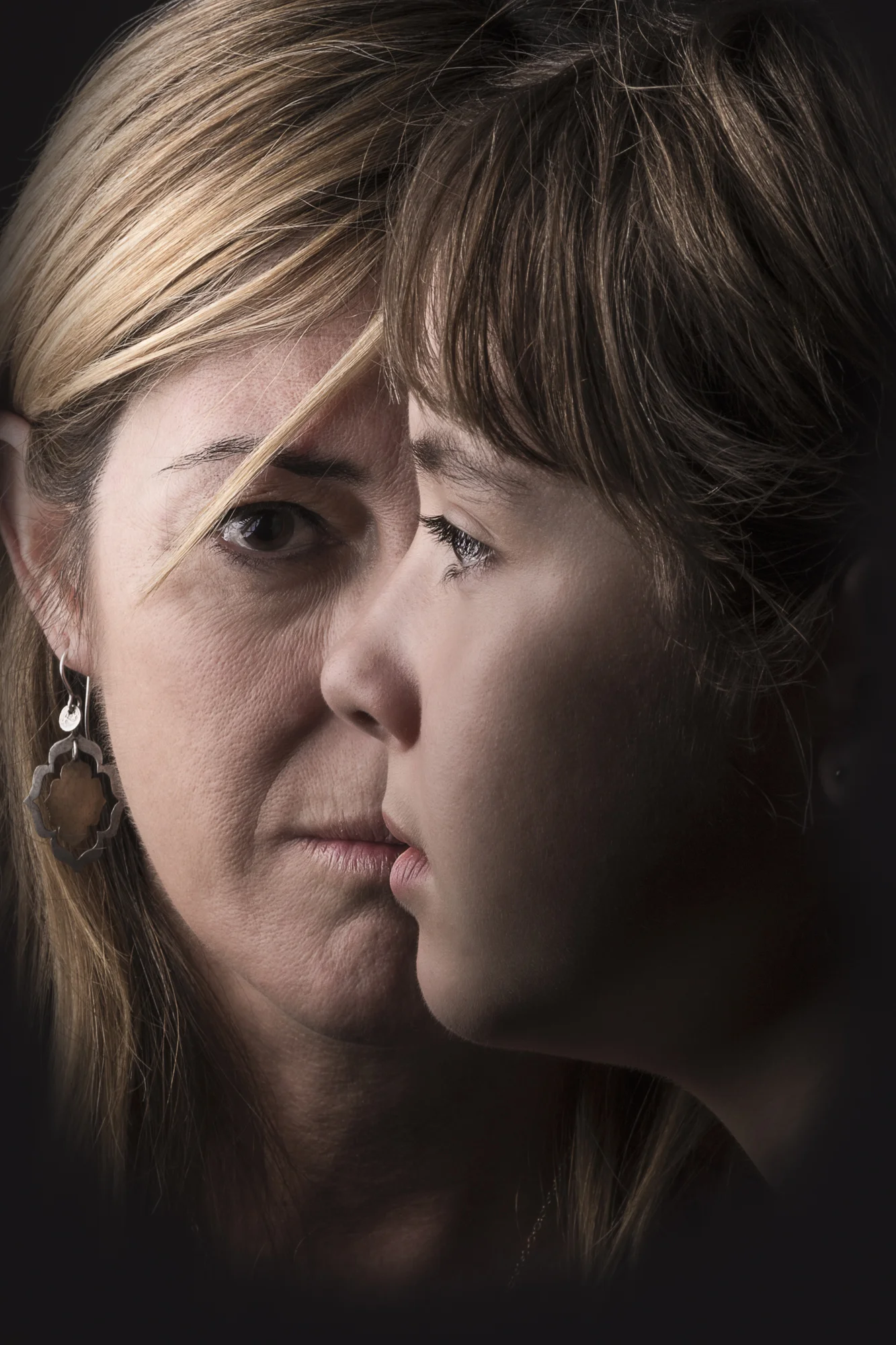
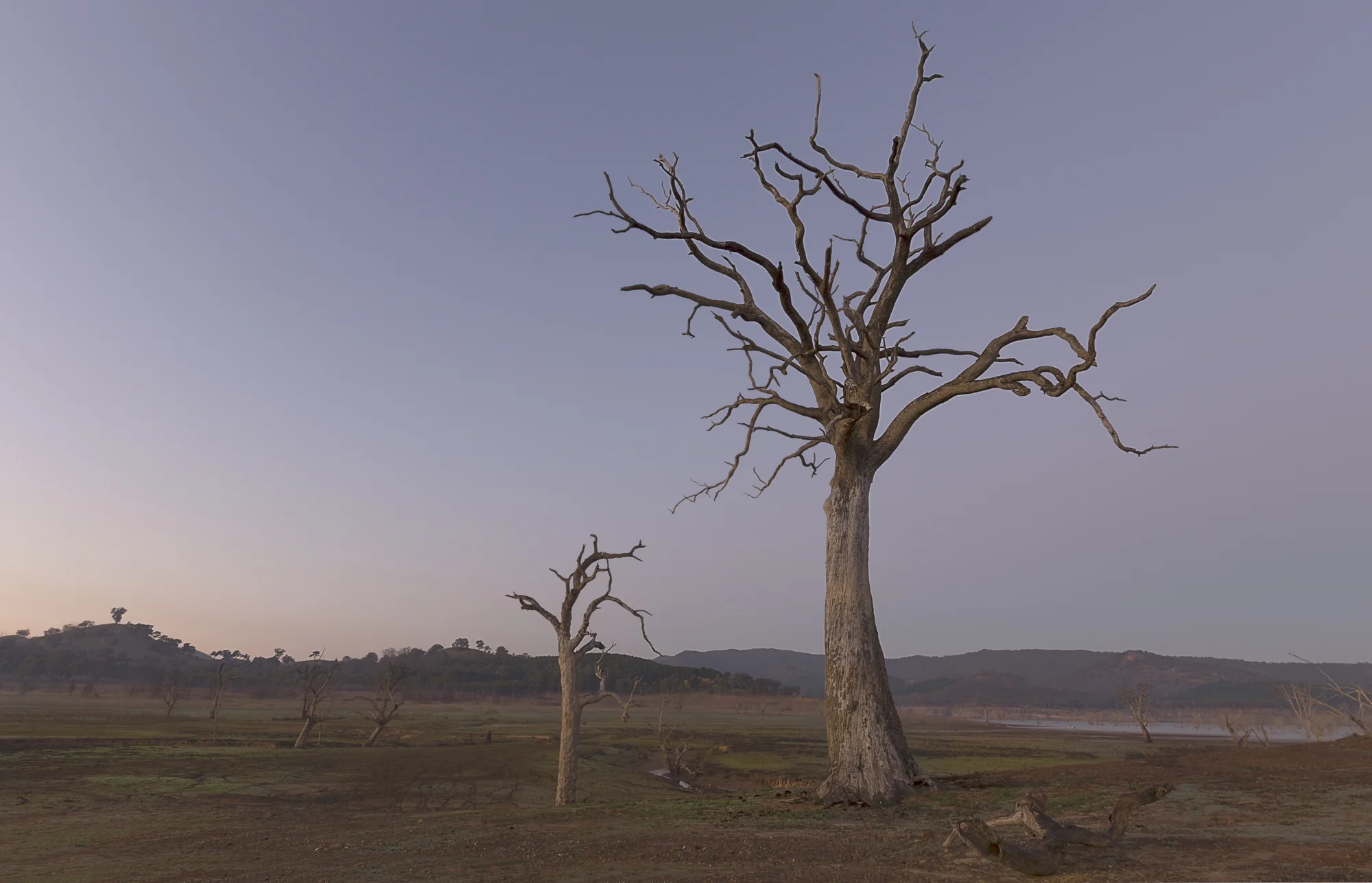
But at the end of the day have submitted the final folio for this Semester. Made up of 3 sections, categorised in Animate, Inanimate and Personal Expression, here are my submissions following. These will be presented over the next 2 weeks to two tutors, and then final assessments received and thats it for Semester B. Been another great semester with lots of new areas opened up and plenty of learning. The more you look into something, the more you realise there is to learn and understand and interpret.
Animate Submission - Portrait series of mothers and their Daughters
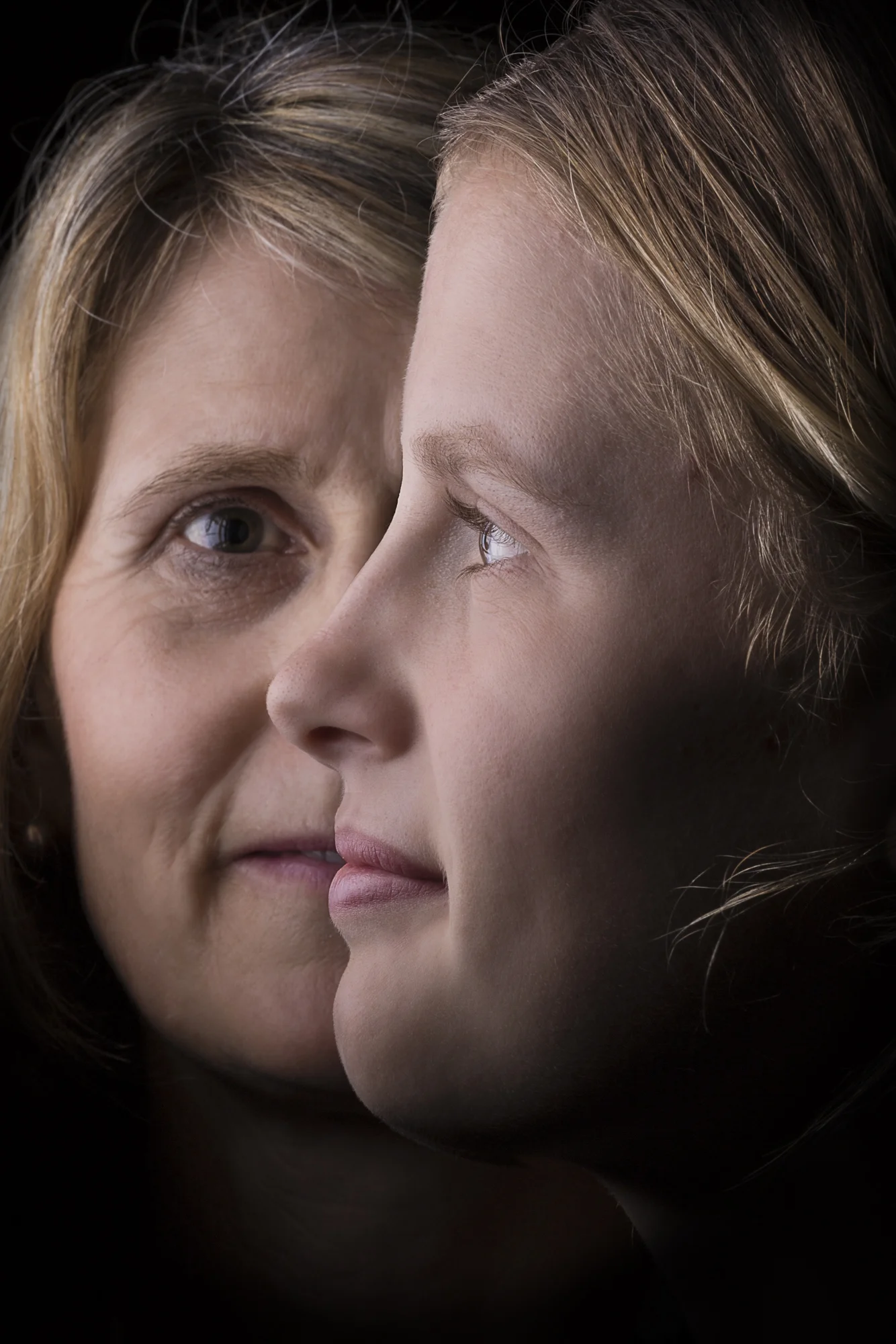
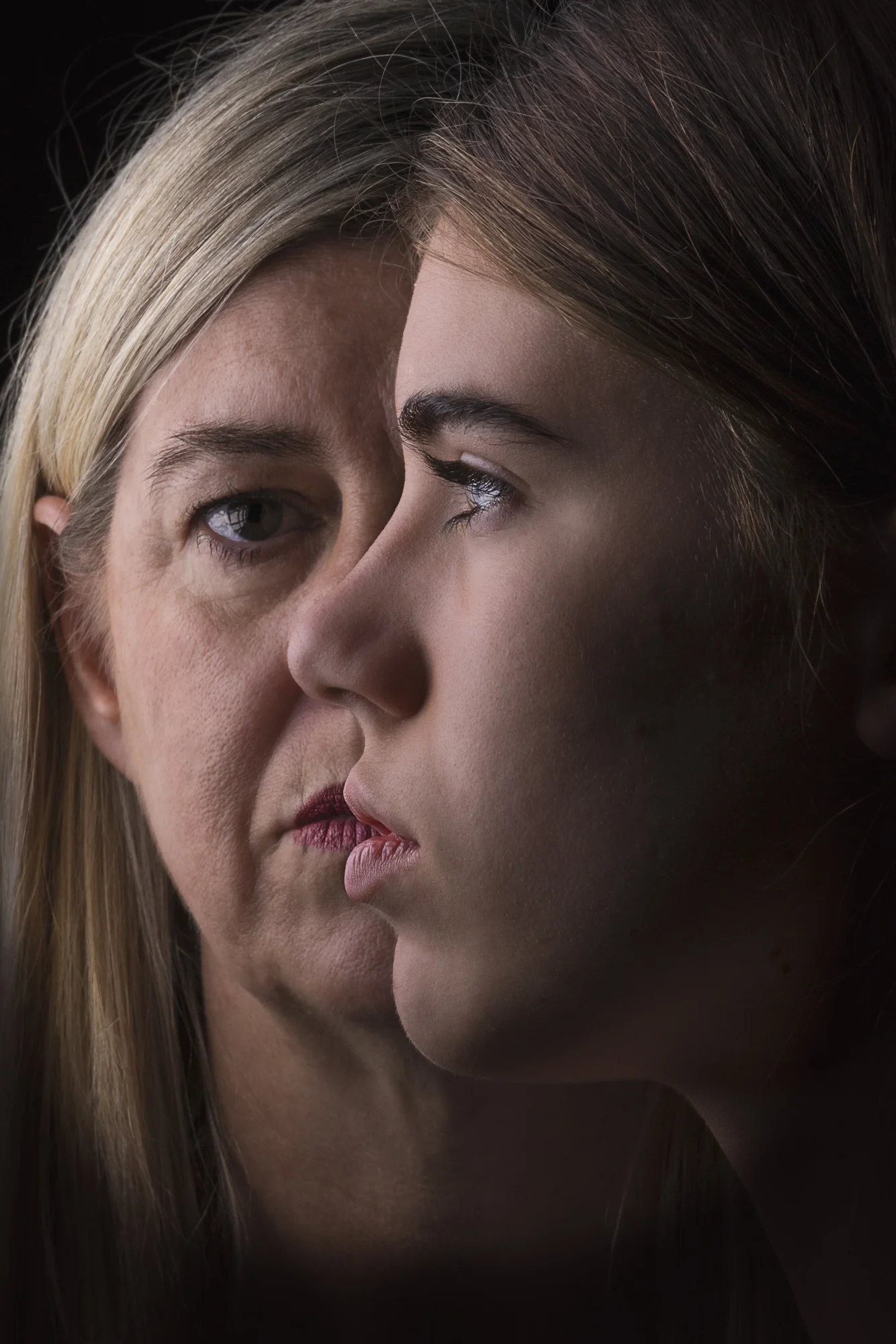
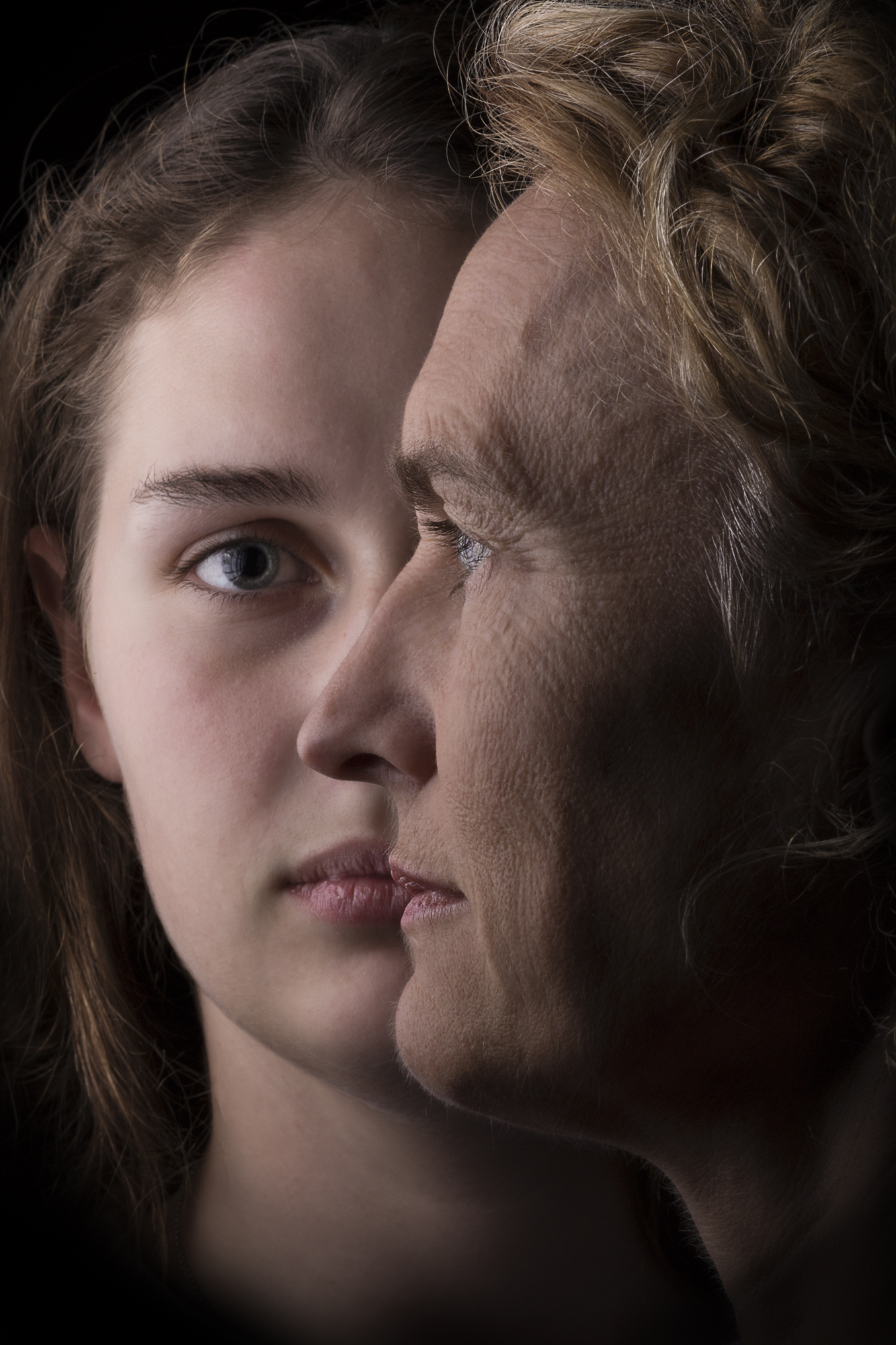
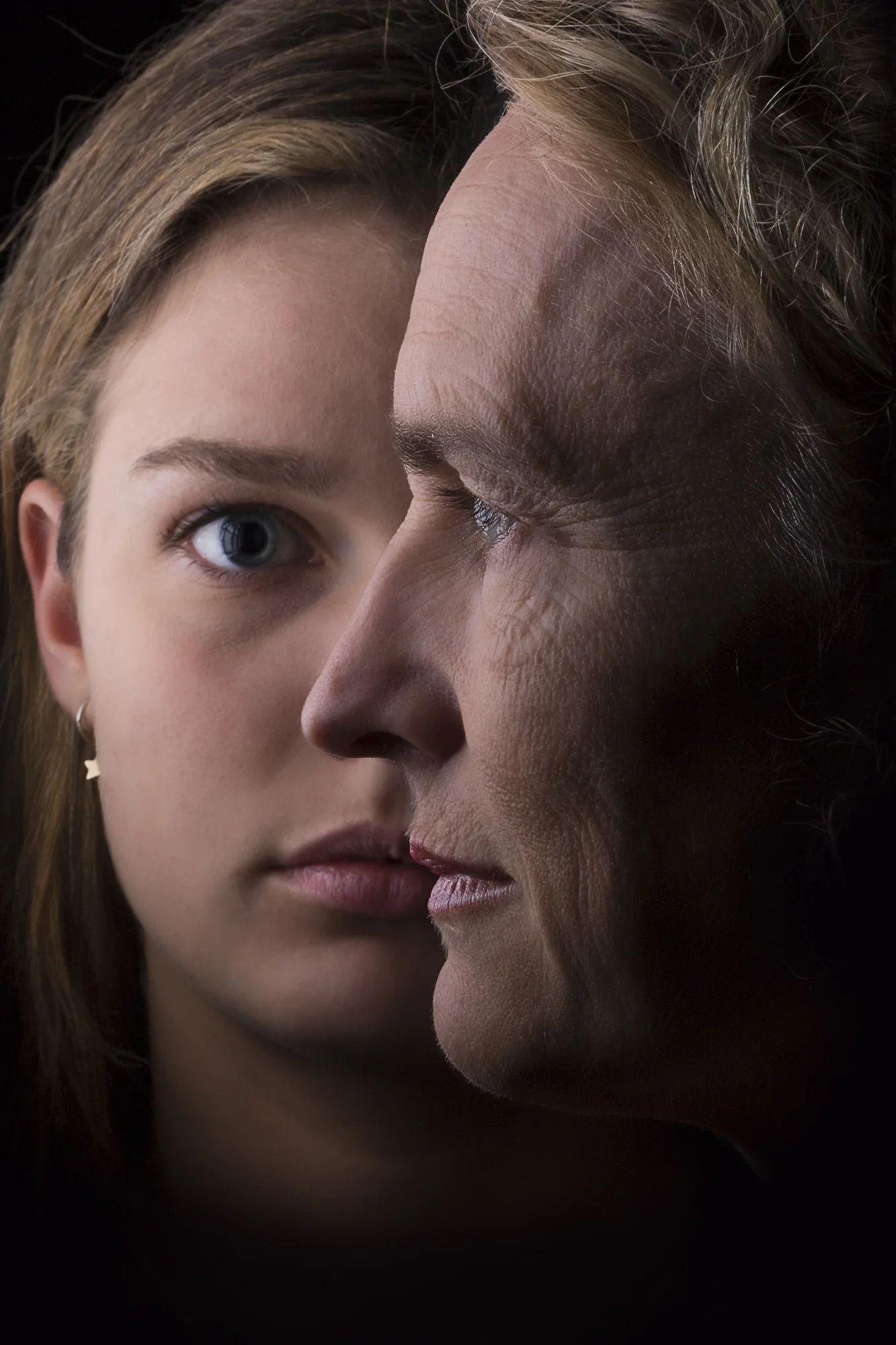
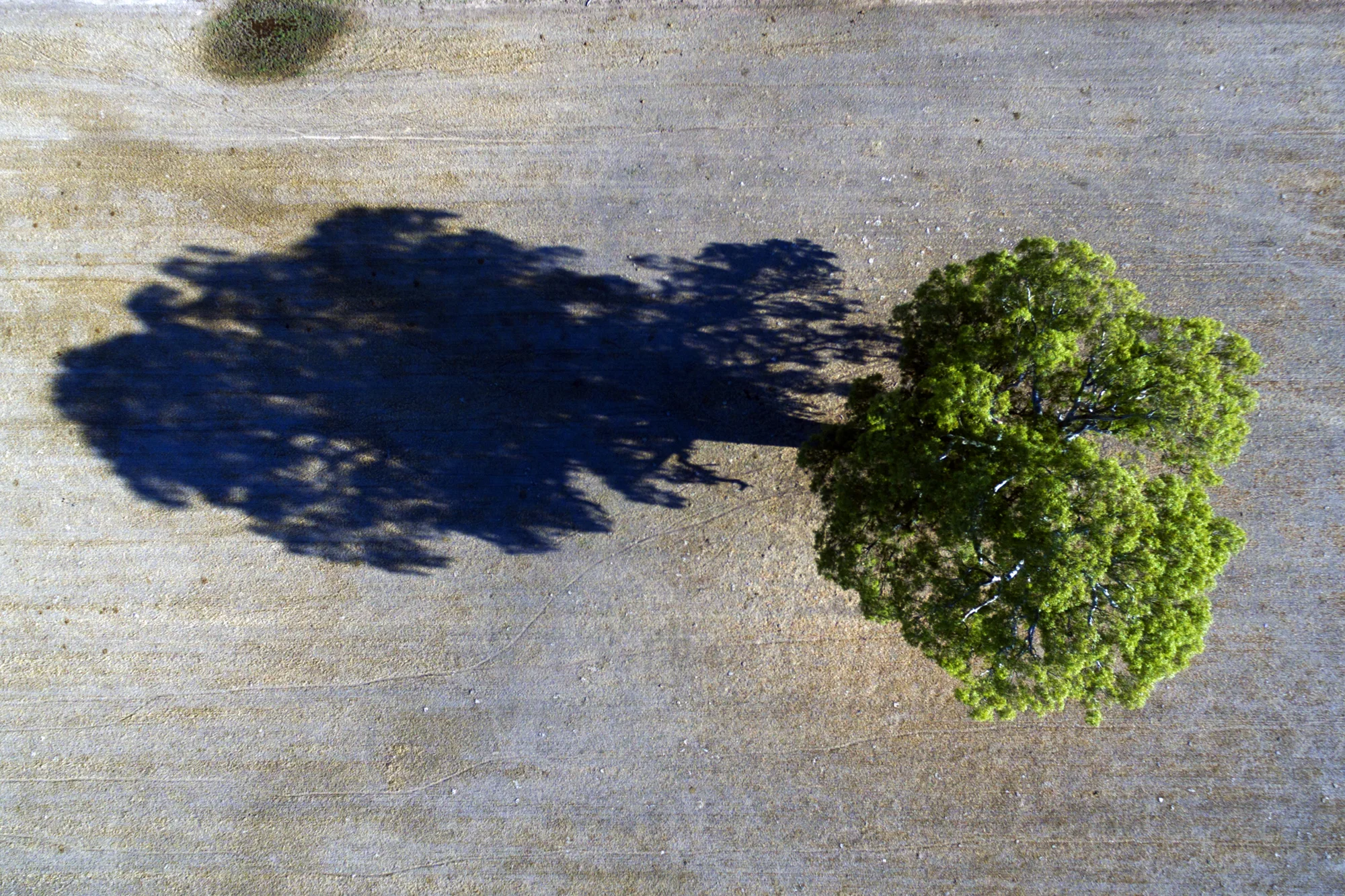
Inanimate Submission - Day in the Life of a Tree
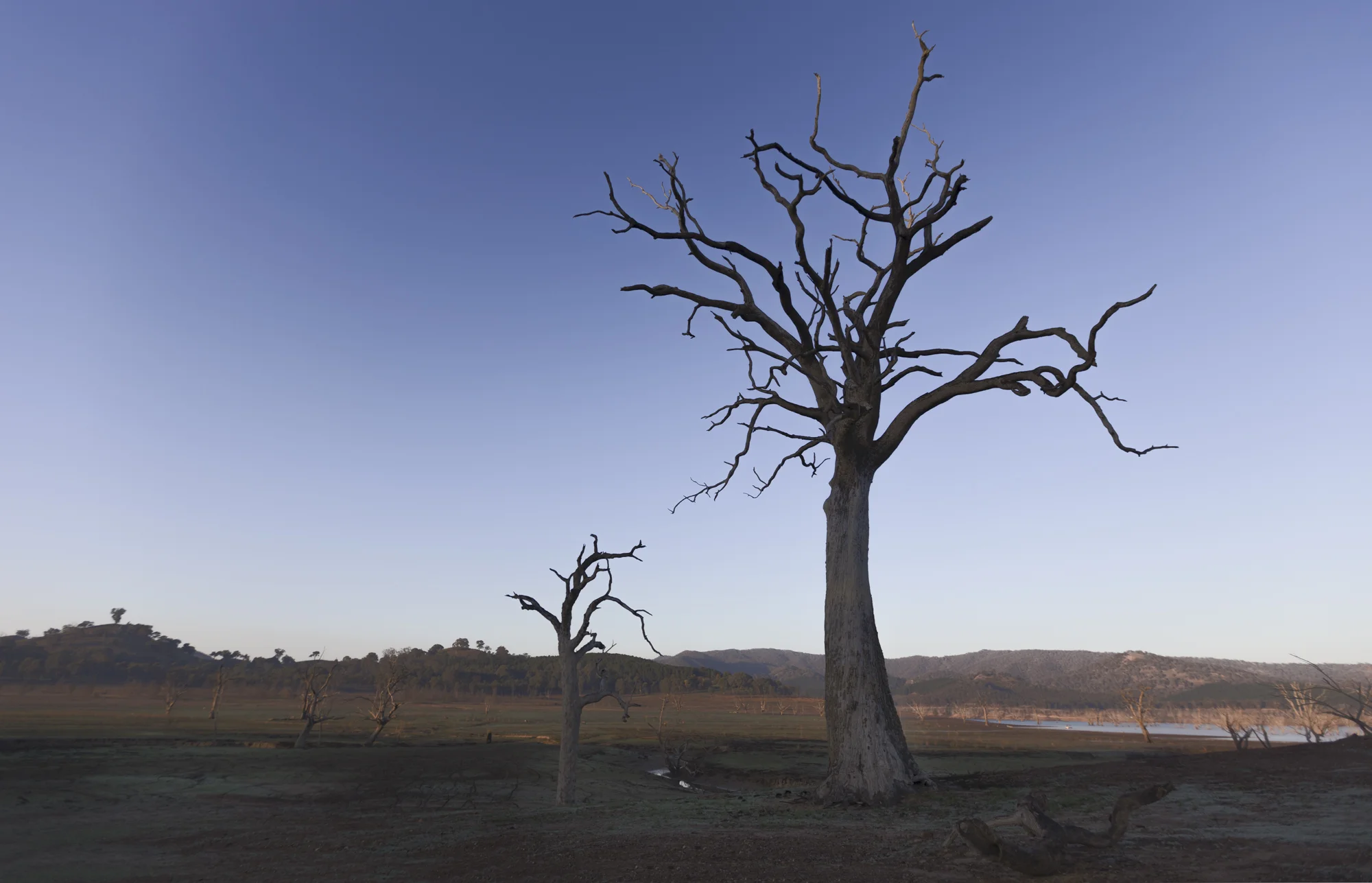
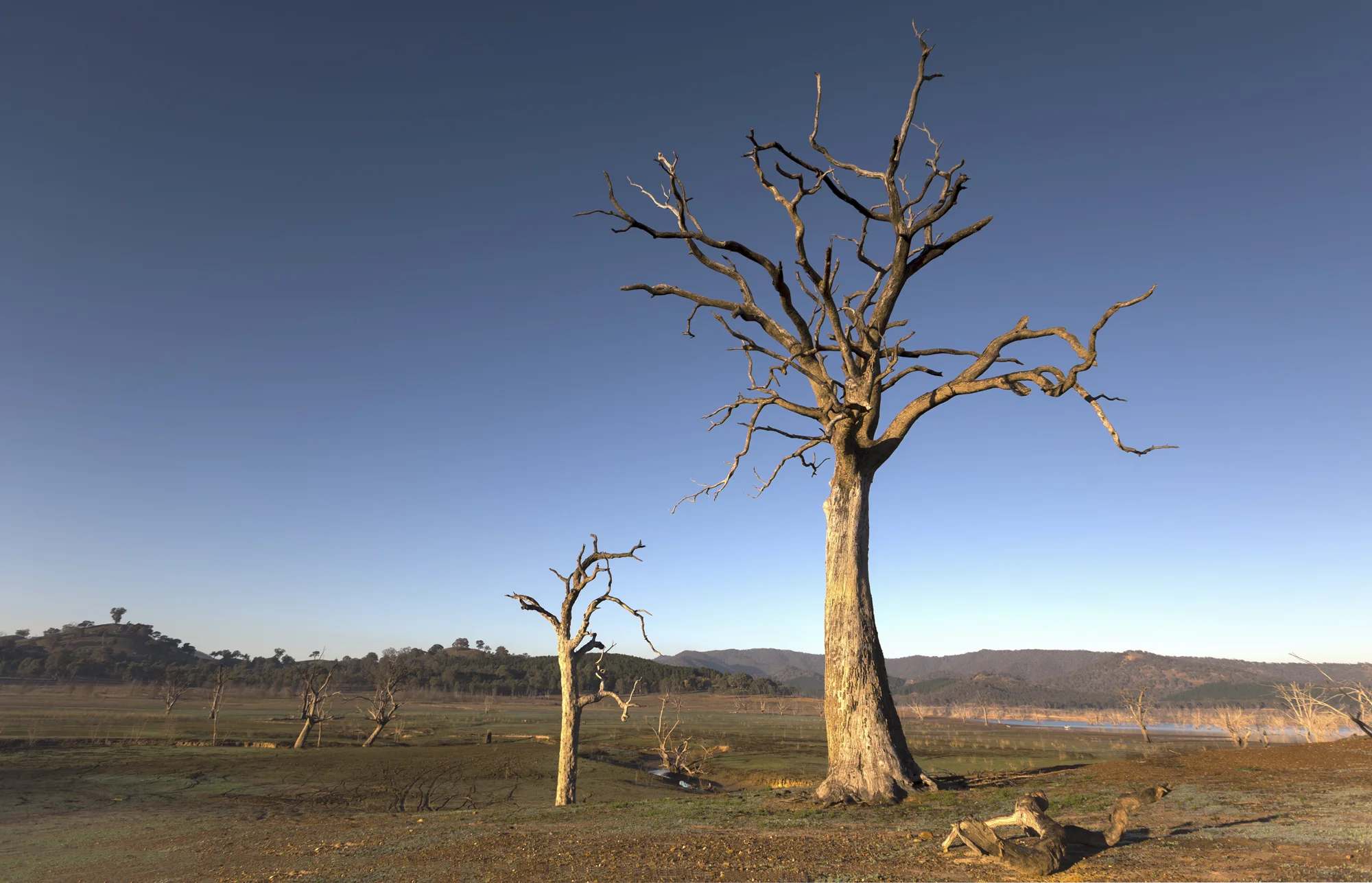
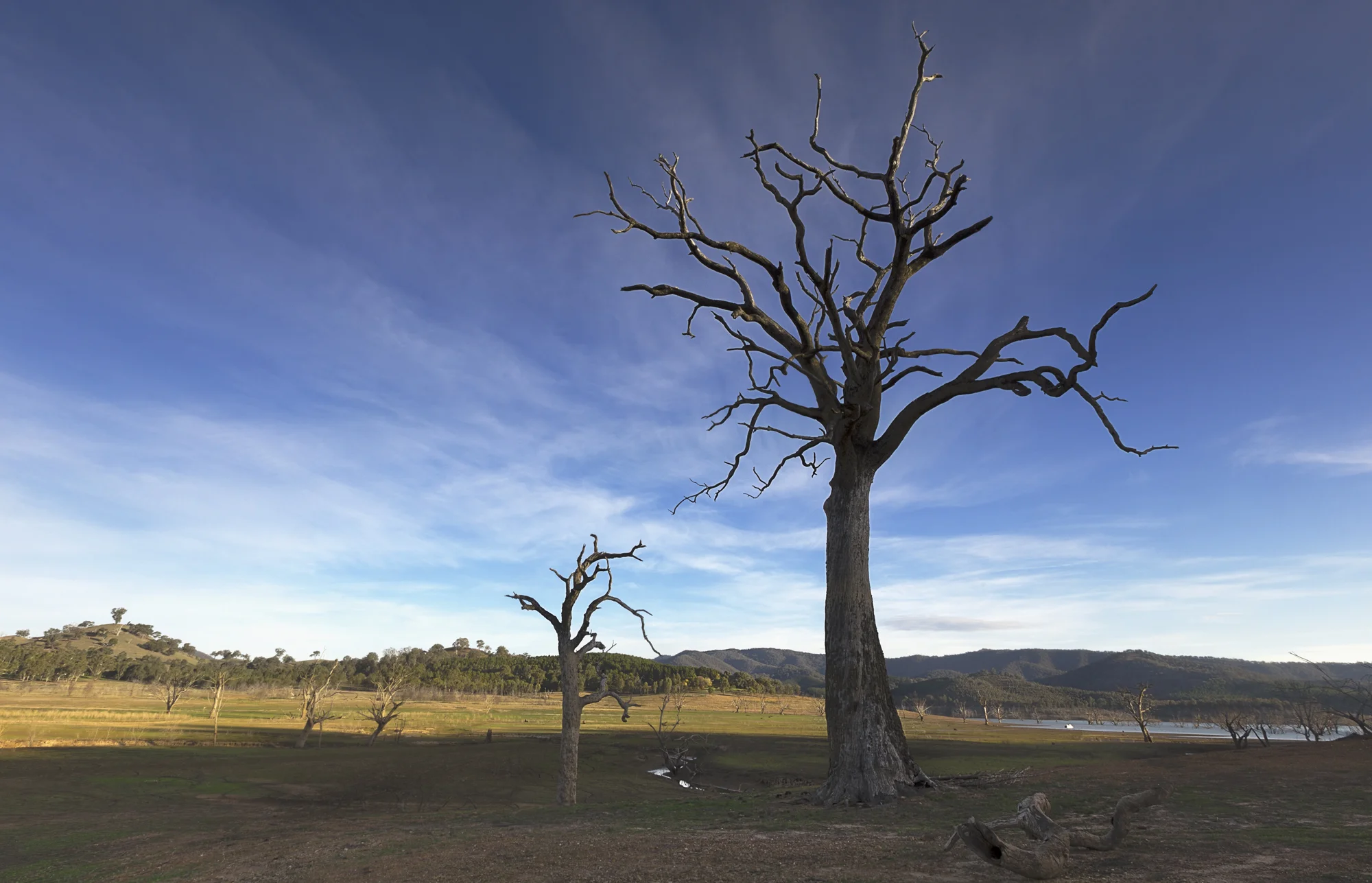
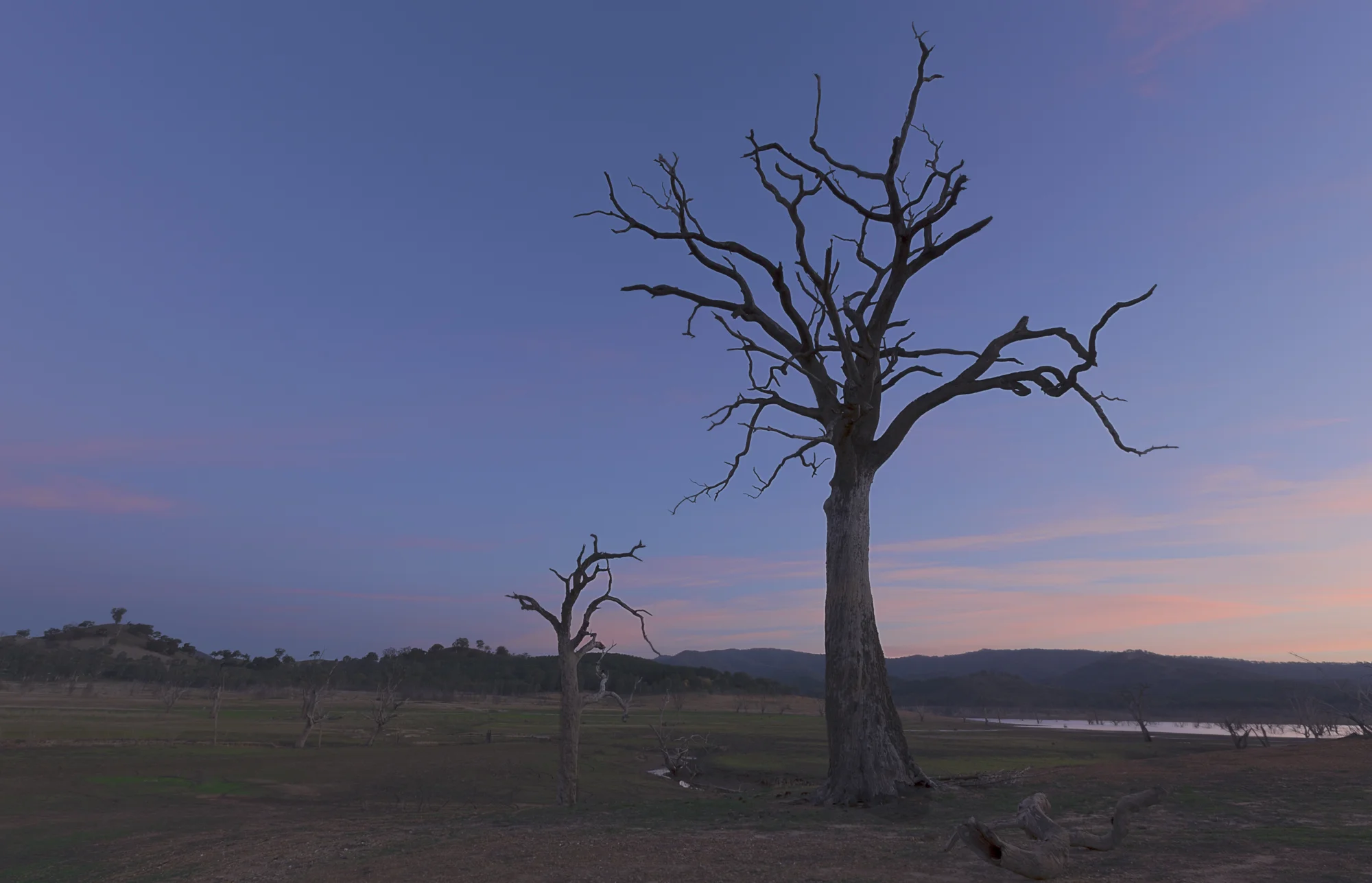
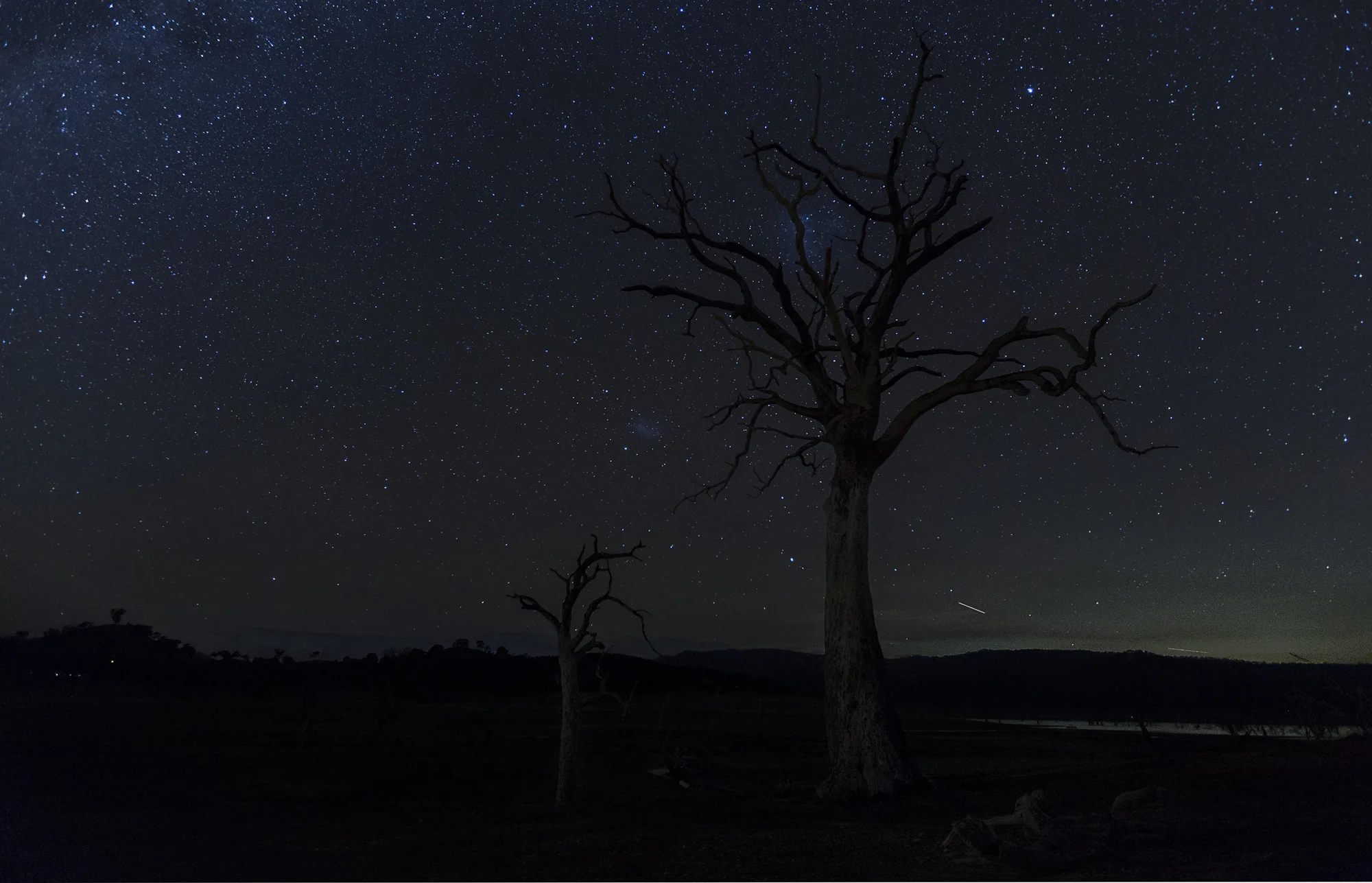
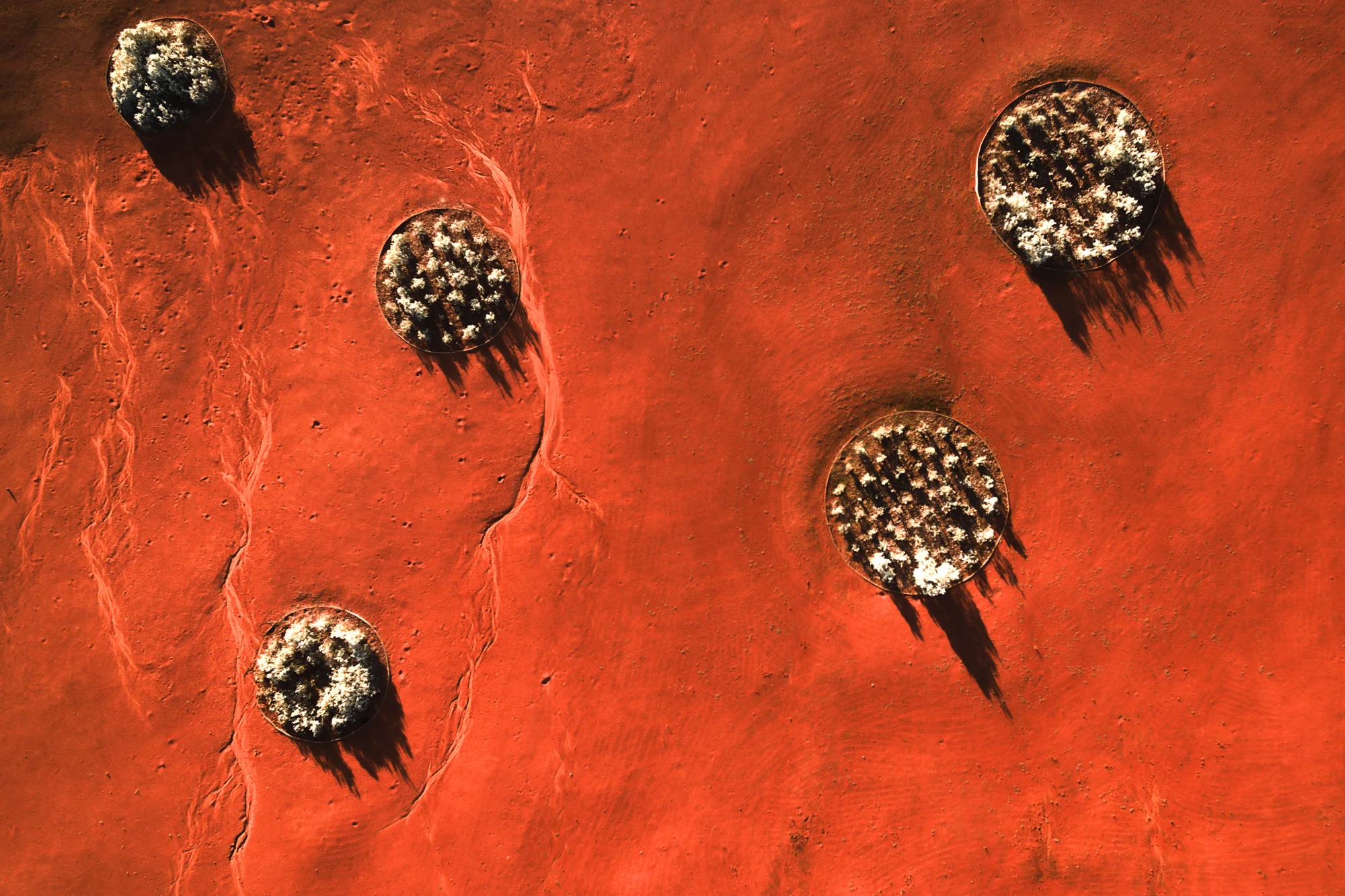
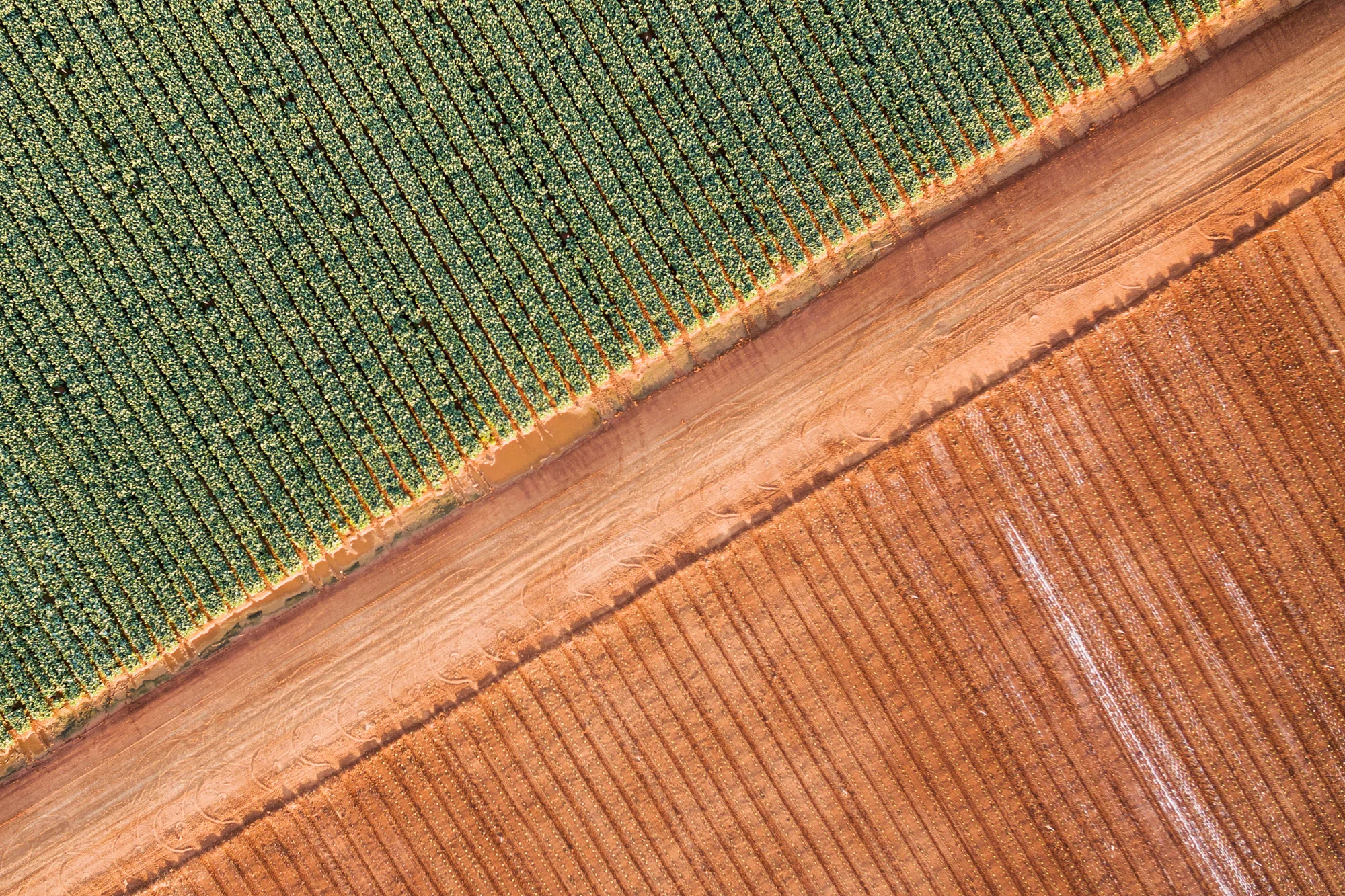
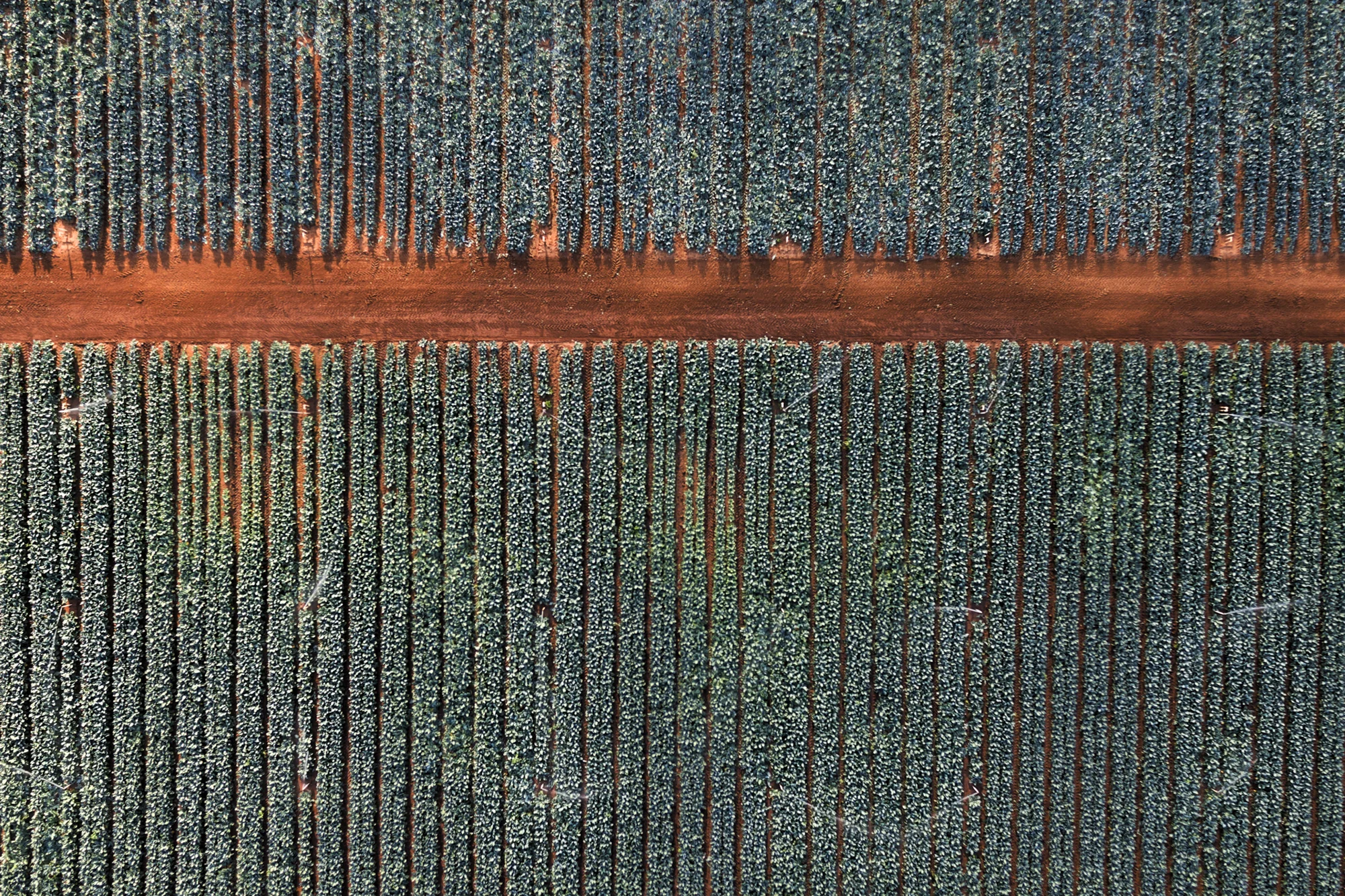
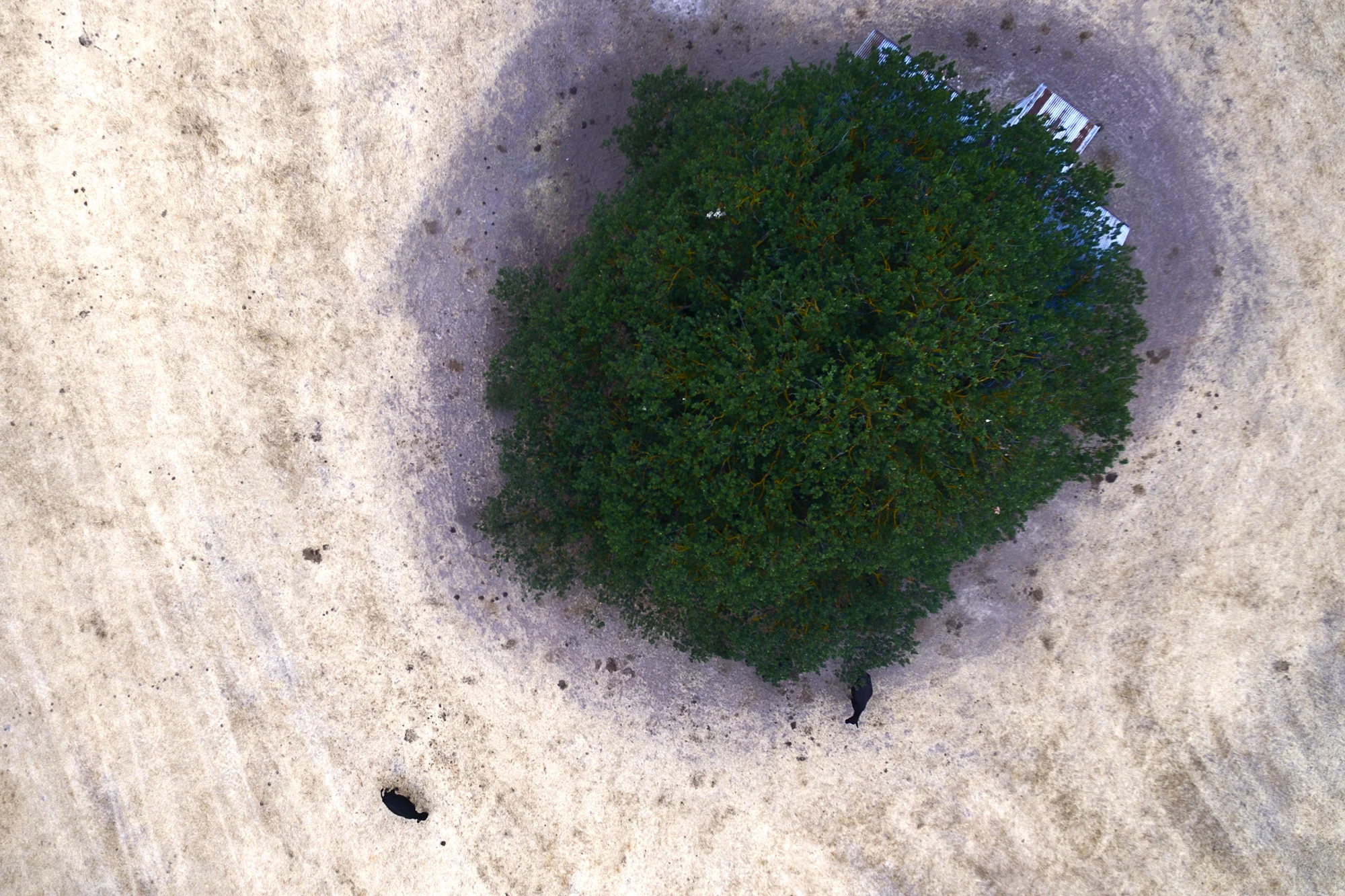
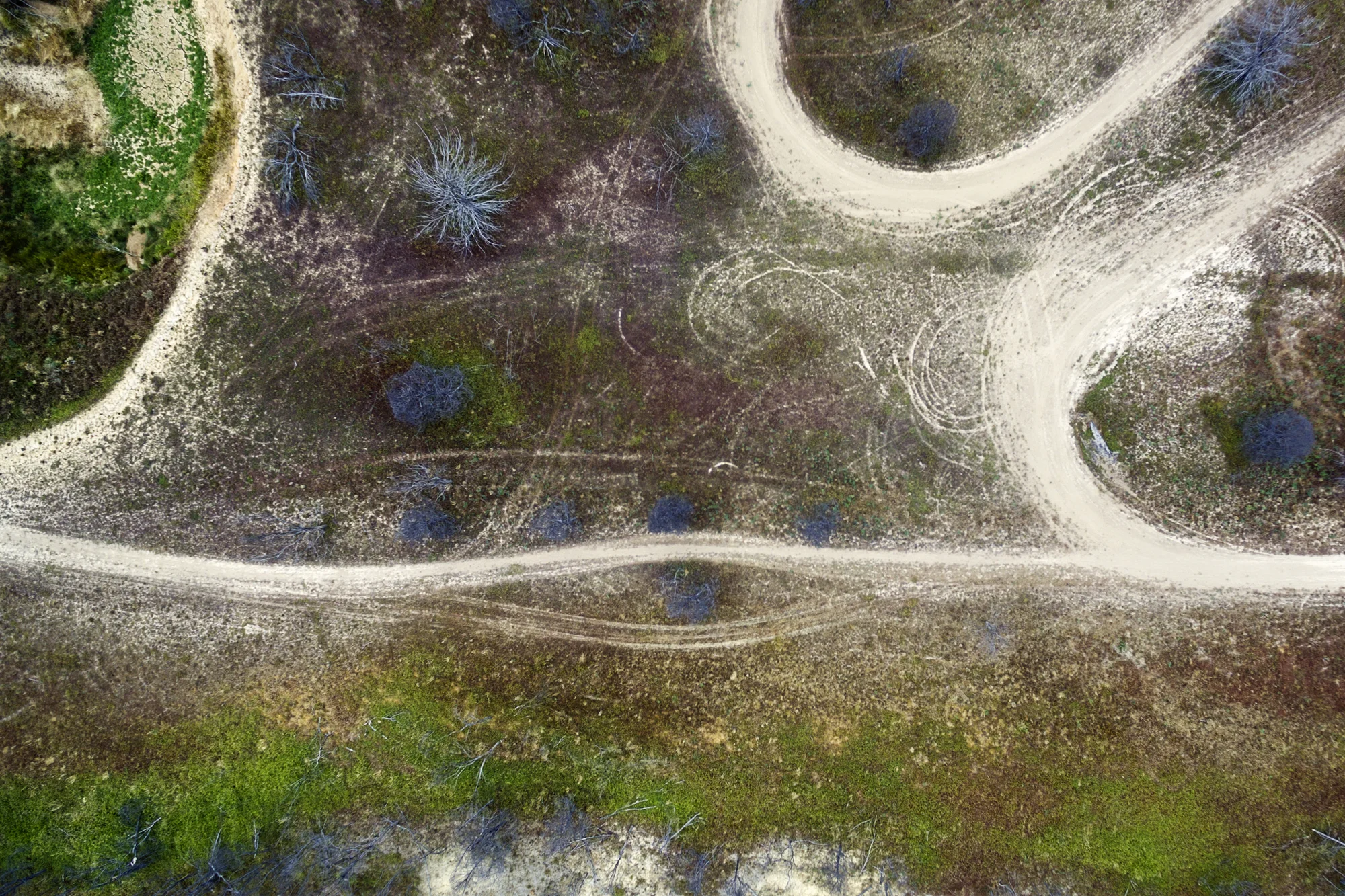
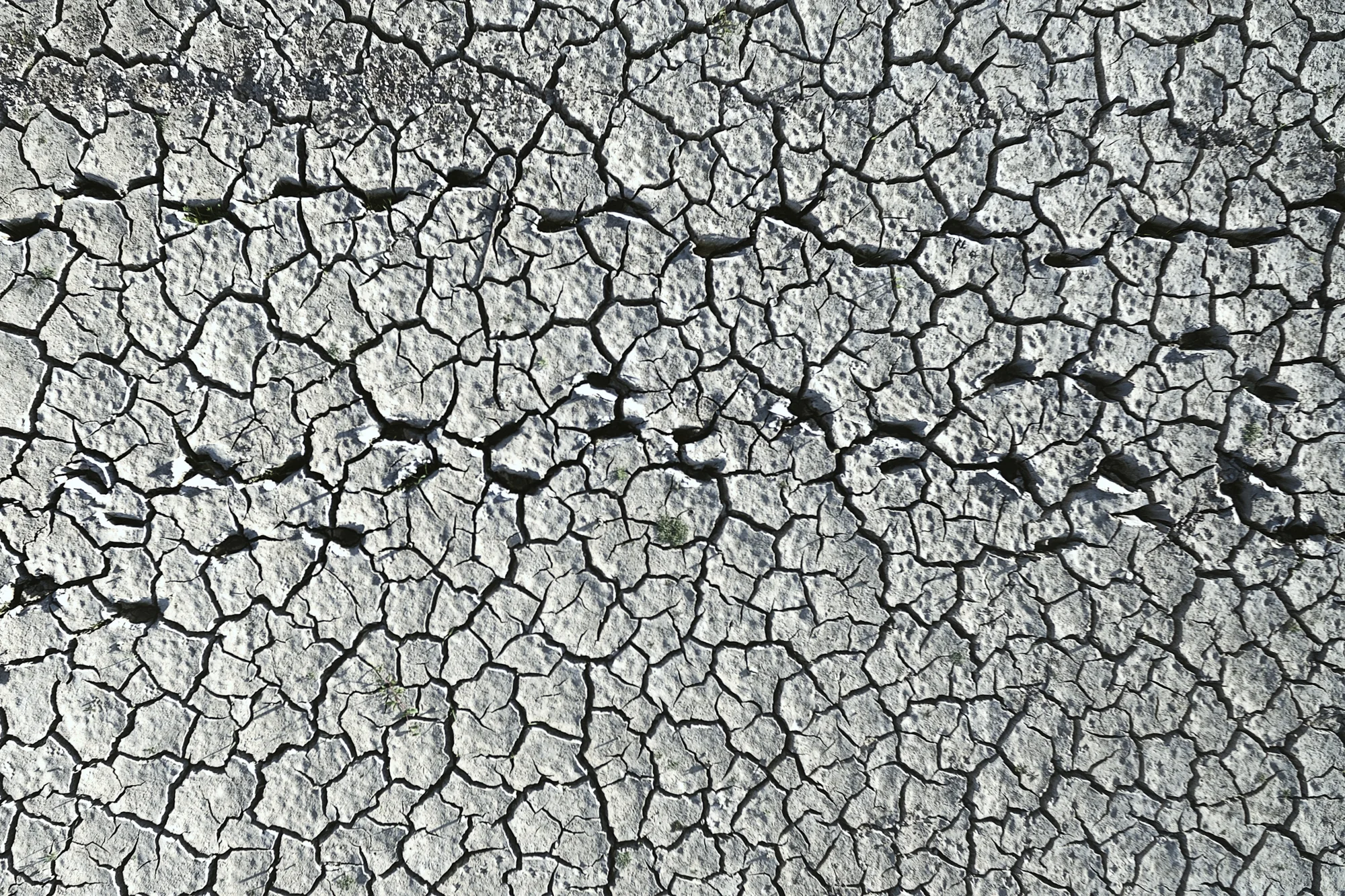
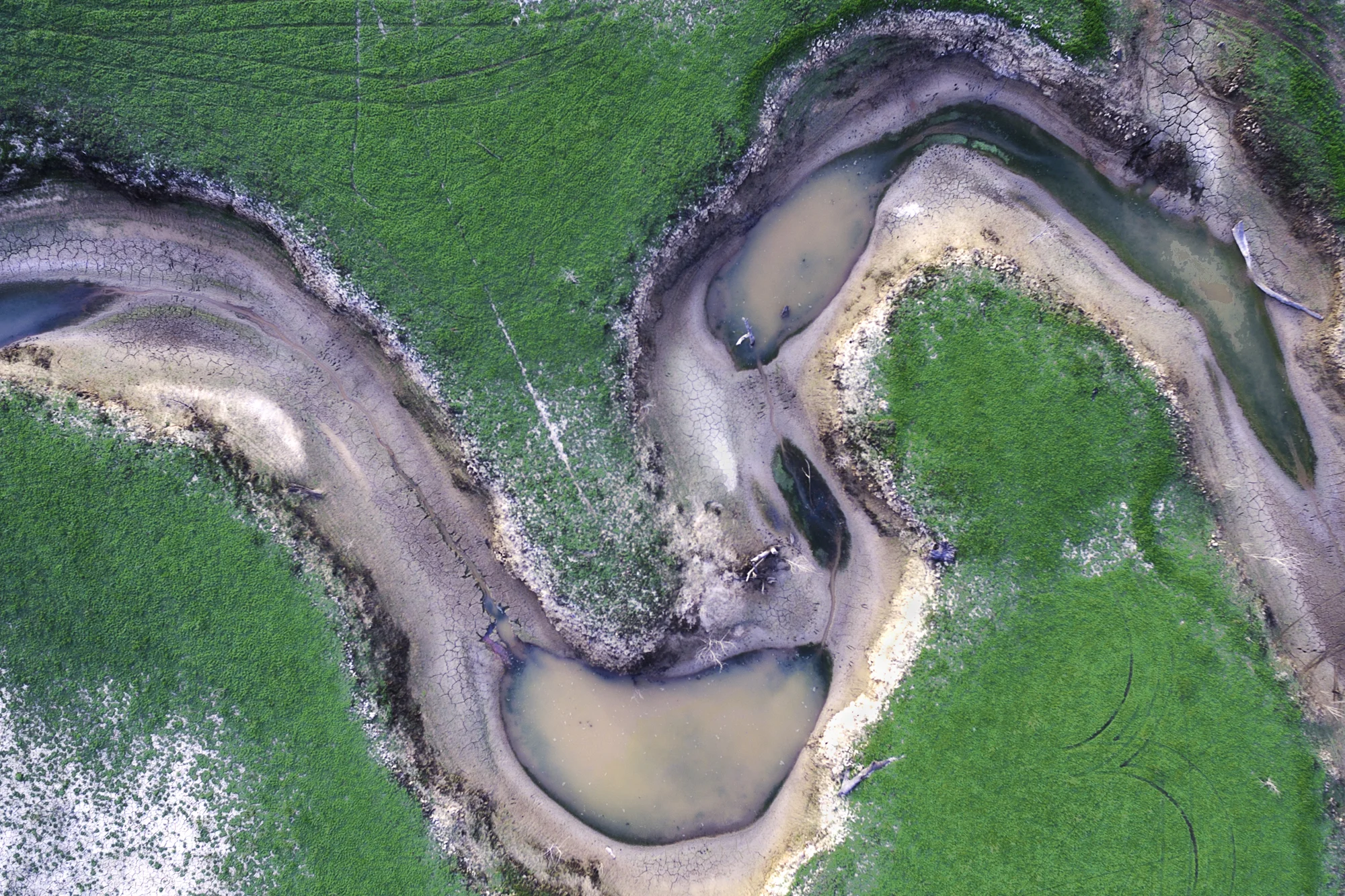
Personal Expression - Exploring Human Interaction with Earth through a series of part abstract landscapes.
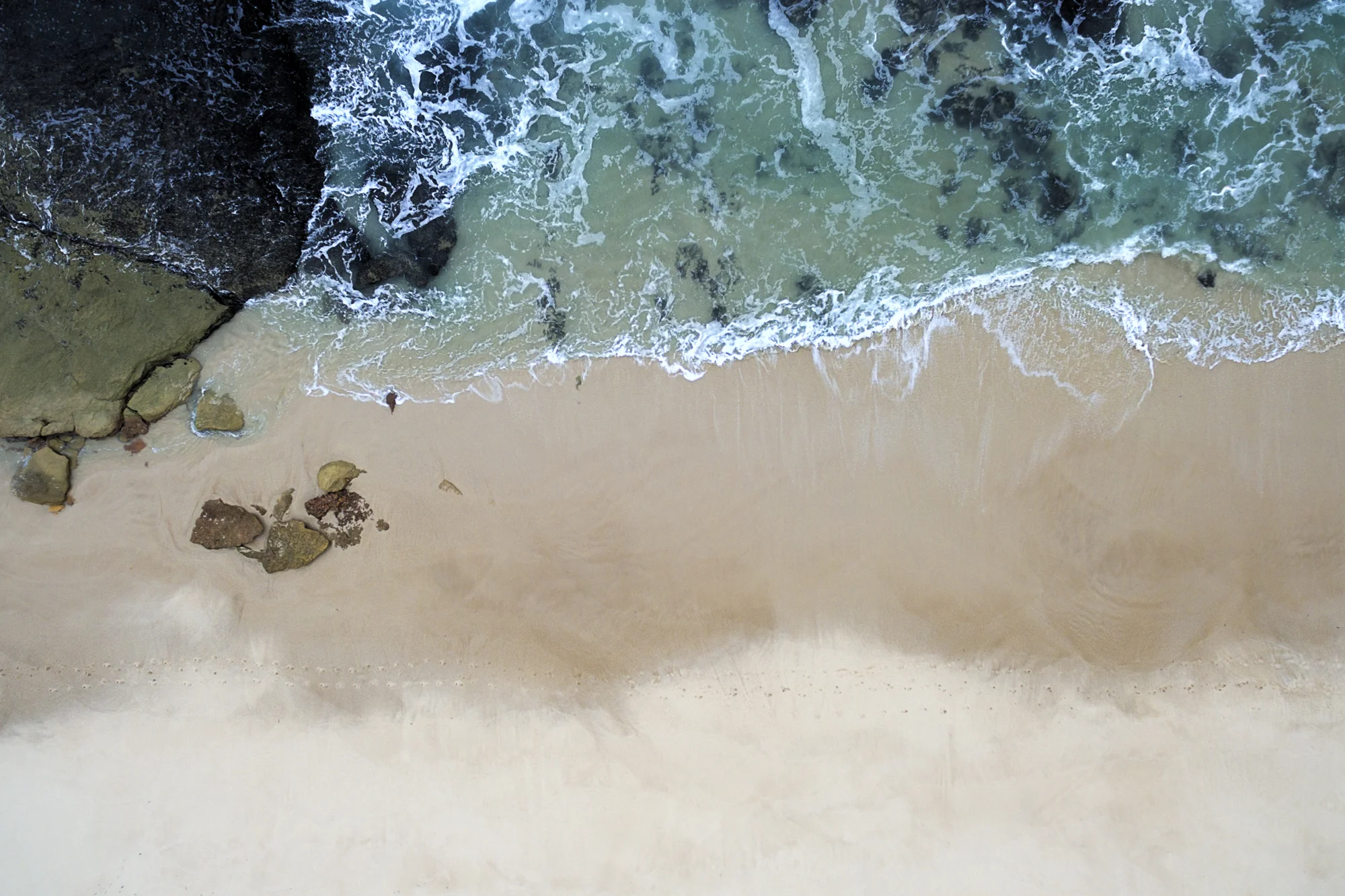
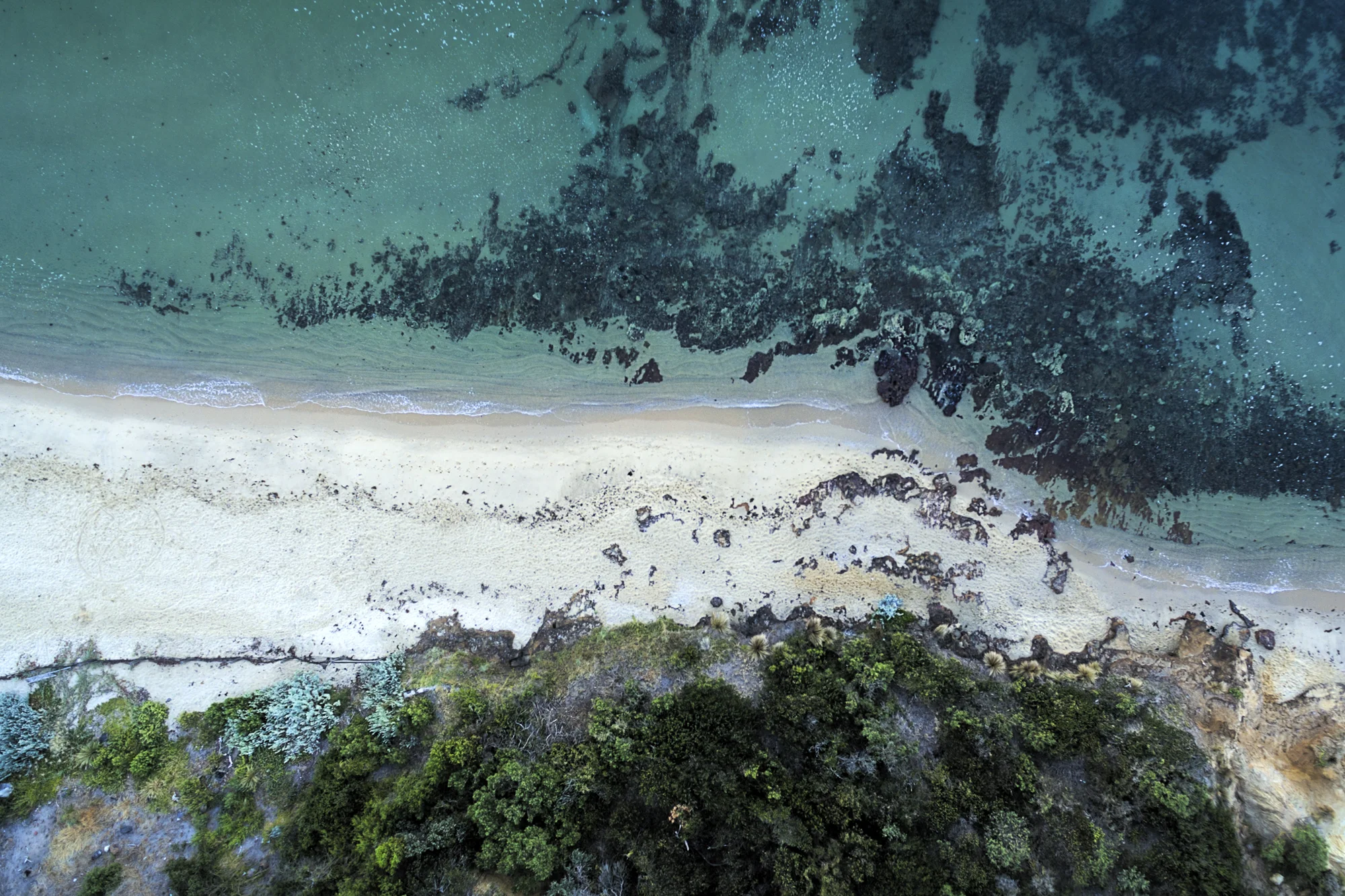
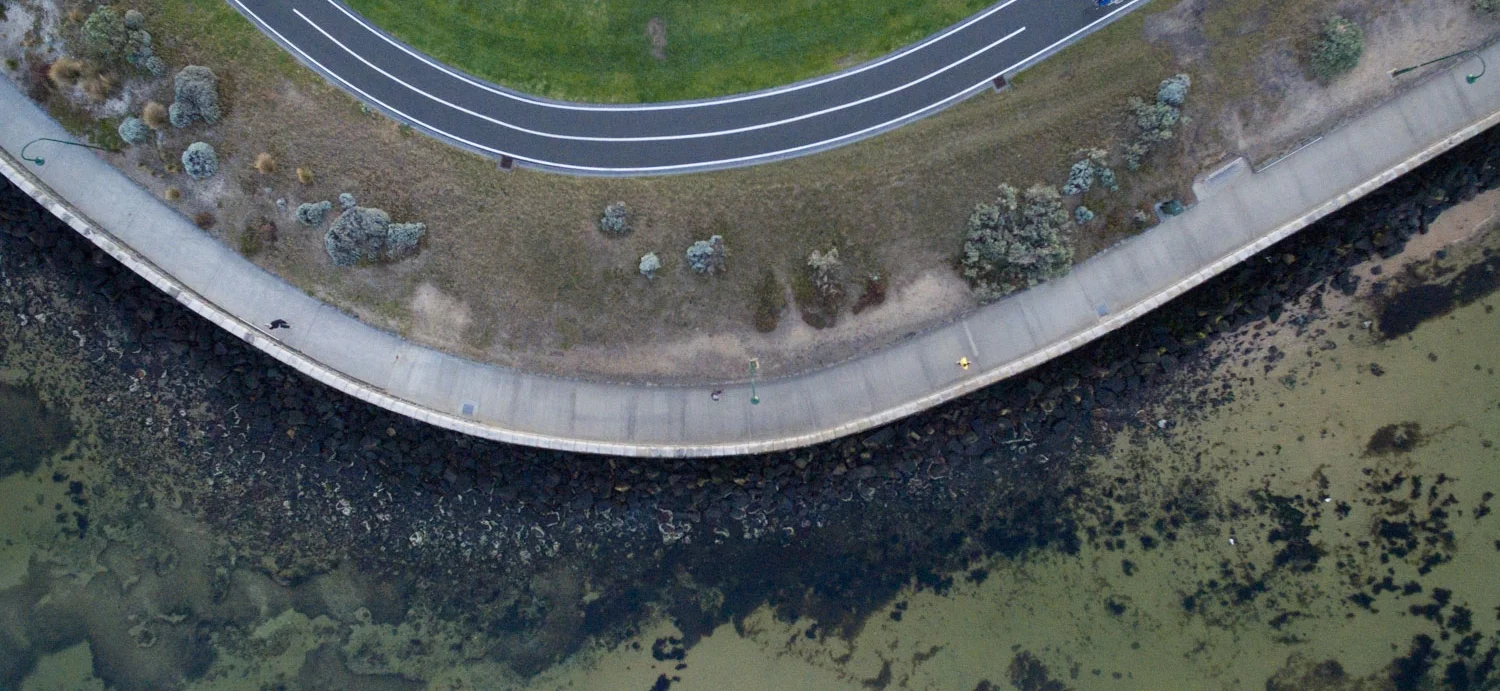
Gear Review : Aerial photography using a drone

Combining flying a Drone and taking some frames is a great way to explore new landscape perspectives. Read my experience so far and share some of your own ideas.
Immediate disclaimer : I am up to my 3rd drone. My beloved 1st one I dumped into 10m of freezing cold water of Lake Eildon, Victoria Australia whilst chasing sunrise light whilst flying half asleep. After treading water and trawling the spot for over 3 hours later with friends using rakes and poles, we found it and saved the video and SD card (and due to a quirk in technology, the actual slash and submersion is wiped from the card )-: ), but of course the electronics and motors had other ideas than flying again. RIP. My 2nd was a victim of a different evil - G.A.S - so now I am on version 3 and its lasting well. I only declare all this to be clear that I am by no means all over this aerial pursuit, and that I am enjoying the learning path of how to use a drone to get some good perspectives and frames.
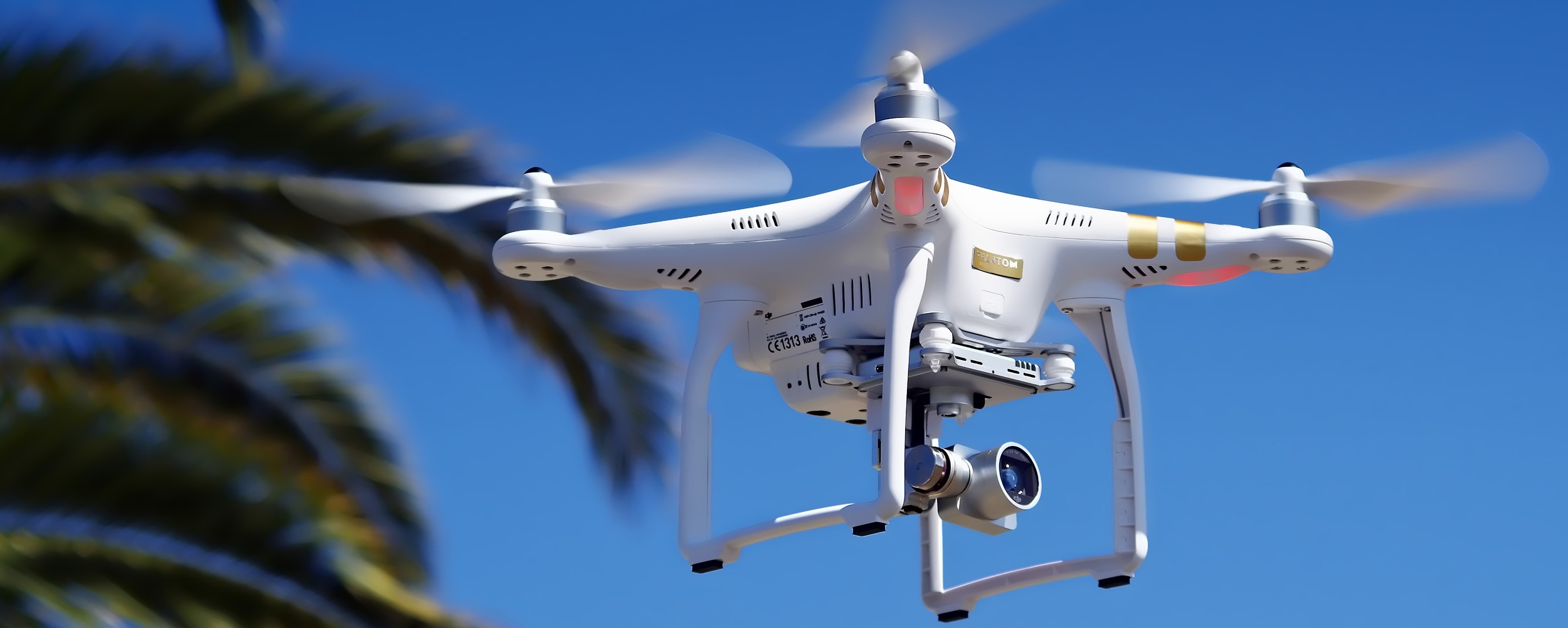
Image not the authors. Source unknown.
But let me outline some of the things I have learnt and what is inspiring me about this form of image making. First, its a great mix of gadgetry and photography - gadography, gadgetography ?! - so that should satisfy a couple of fixations all at once. Secondly, and probably most importantly, it does indeed open up a different perspective on urban and rural environments - the aerial perspective is rarely consumed for any length of time by any of us and is even more rarely captured so easily until now with the advent of prosumer drone capabilities.
I find landscape photography pretty boring. I admire the people that are good at it and tell a great story with landscape images - but I really struggle trying to pursue that for landscapes. Using an aerial perspective is changing that experience for me and that is what I am enjoying. Will see where it goes.
Now to some good old practical snippets that I have picked up and am using to explore this genre of photography.
1. Plenty of people are getting more and more in to this area so learn from them as a first step
A simple google will point that out. Its a cross over between the hardcore droners and the photographers, so I suggest you google both your drone type to first get insights in to the settings that matter for your drone as someone would have worked through that (check out links below for the Phantom 3 Professional as an example), and then google aerial photography to find people that interest you (again, example link below).
2. Timings and Locations
Still exploring this with regards to urban and rural. Here are some urban examples of one particular area I have done. Either way, golden hour timings are essential here due to the type of camera capabilities on the Phantom (other top end drones can carry a dedicated DSLR, but I would be way too nervous to strap so much cash on to the bottom of a flying plastic rat!) so grab an app for the phone of your choice, and get the up to date timings for when golden and blue hours are about you morning and night, and fly and shoot at these times. The nature of the fixed lens/fixed aperture in my case of the Phantom 3 works best in these lighting conditions I have summised.
For what it is worth, the Phantom 3 Professional camera uses a Sony EXMOR 1/2.3 inch sensor with 12.4 M effective pixels. It comes with a 20mm (35mm equiv) 94 degree FOV f/2.8 lens with focus at infinity, an ISO range of 100 to 1600, and shutter speeds from 8secs thru to 1/8000sec. It can do single shot and burst shooting of 3/5/7 frames, Auto Exposure Bracketing AEB : 3/5, and time lapse mode. The image size maxes out at 4000 x 3000. It shoots in either DNG, JPEG or both, and the camera pitch is controllable from -90 degrees thru to +30 degrees.
It wasn't so long ago that those specs were only found on mid level, rather beefy compacts. Gotta love technology cycles.
Back to the location side of things, I am just now working up the guts to fly over traffic/built up areas so will see if we all survive! (reckless droning is of course neither condoned nor practised). Australian law at this stage allows for public flying beyond 30m of public and private property. There are certain restricted zones like airports and such of course.
3. (Almost) Essential Kit
We love an accessory of course. Apart from the drone of your choice, for sheer ease of use and ability to focus on the frame, the DJI series are the go to guys in my mind for a solid drone with great functionality. Buy whatever suits your budget and enjoy. Use an iPad mini or alternative as your POV screen, and also invest in a decent screen holder arm from NZ Helmet Cams and sunprotector from Aerial Drone Accessories, again if you are using the Phantom. Both these products and stores come highly recommended for customer service and quality.

Image not Authors own. Phantom product shot source unknown.
I use 3 batteries and take them out with me for each flight as you do spend quite some time (or at least I do) hovering to find the right framing and adjusting the camera controls for the exposure you are after. Hovering (and the GPS interactions that that takes) sucks the juice pretty easily! (Again, check out the video mentioned below for good battery maintenance - saved me money !)
4. Keep at it and share your results.
Instagram type platforms are popping up now specifically for drone activity (Dronestagram, etc) so I recommend you get engaged and share results and learn from others that you like to follow.
I am along for the ride and I hope to share some more results soon on this site as my Aerial Project further develops.
Would love to hear any of your tips or suggested further reading to improve and explore.
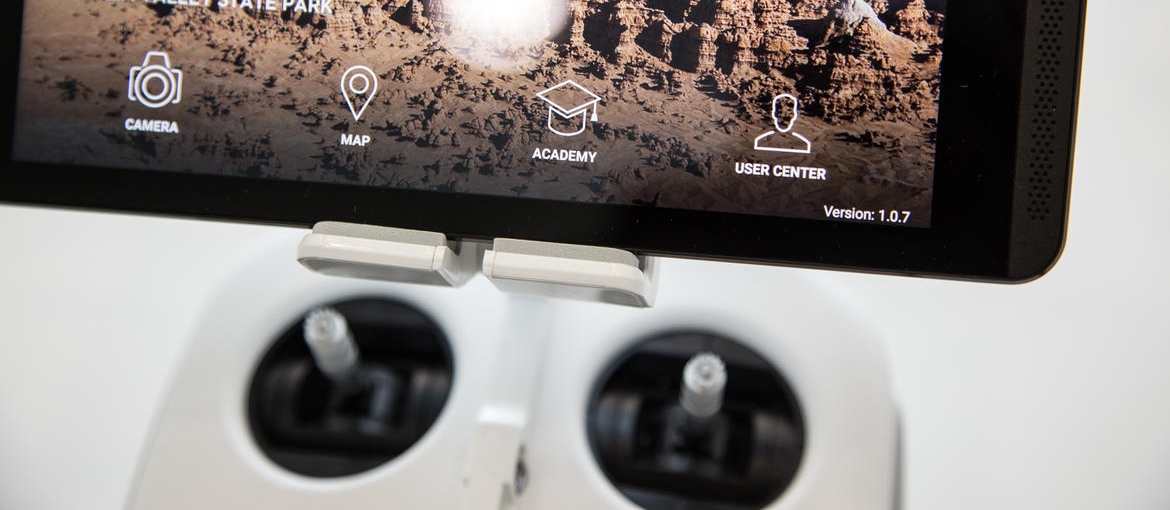
Not the authors image. Source unknown.
Some of the more than useful links I have used and continue to use are :
Best video I have seen for the DJI App and corresponding settings - this guy has gone in to deep detail in to the workings of the DJI App and the settings for the DJI Phantom 3. Dont follow all of them if you dont want to (eg the cinematic color video settings) but worth going through.
Great insights in to using a drone for photography by Randy Jay Braun - bit old but links to his ebooks which are up to date to end 2014 and worth the flick through in my view.
Drone nut Tom's Tech Time has great insights in to the technology and ways to save money and make the components work better.
Classic DJI dude that goes in to each and every aspect with a classic twang voiceover.
Workshop Experience : Photography Studies College Week #3

Week #3 at the PSC course sees us getting in to workflow and reviewing slow shutter speed hand held images.
Well week 3 has rolled on already. Again, still in the "ground setting mode" mainly - this week we all focussed on workflow basics and LR setups etc in the PSC Digital Lab. We also went through some portable hard disk setups for mobile workflows.
Aside from a couple of random public share folder deletions. all went cleanly !
[For me I use Lightroom Creative Cloud and really enjoy its flexibility and structured workflow. There are plenty of great tip sights for Lightroom, as well as many video based learning sites. I always bring in my images as DNG (of course Leica cameras already do that for me); I import into a separate and uniquely named folder under the main heading of each year (e.g. 2014, 2015, etc); I use the date then location as my folder name (e.g. Aug122015-Lygon Street); I apply keywords during import as well as creating smart previews; I then do a quick filter and flag the keepers, delete the non keepers, then set about my editing routines as needed.
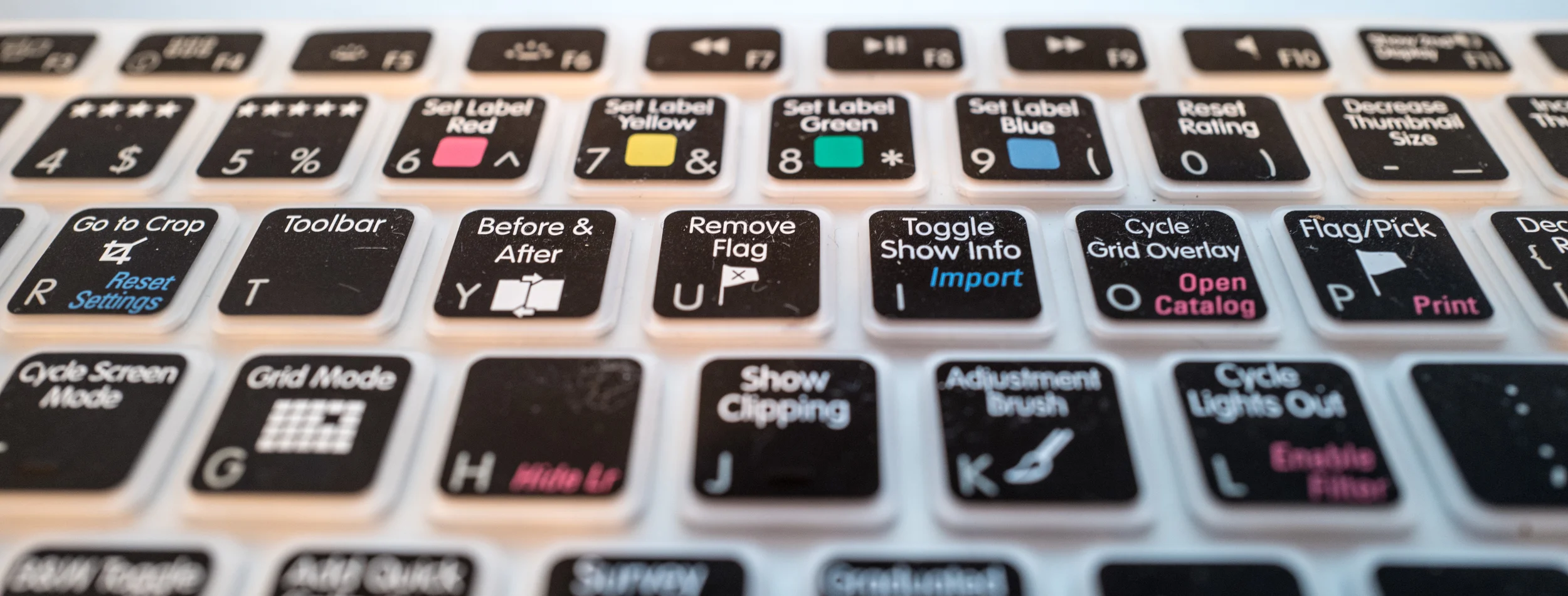
Backups of the catalog and the individual folders of keeper images are spread across my two 5 Tbit RAID NAS boxes. I only rename upon export to either Facebook, Instagram, 500px or someones email etc. I also use the handy dandy keyboard overlay for Lightroom found at KB Covers]
All the students then shared their 2 slow shutter (ISO400, 1/4 sec) shots for critique by Scott our tutor. Here are mine.
Leica Q, Handheld Standing, ISO400, 1/4, f5, AFocus, Macro, Straight out of camera, cropped
Leica Q, Handheld Sitting, ISO400, 1/4, f14, MFocus, Straight out of camera, cropped
The Leica Q was pretty easy to hold still being a little bigger than a normal 28mm fixed camera. I found it ok to handle.
A good exercise just to remind us how to hold a camera particularly when out and about working at low light. I would probably never see the need to go to a 1/4 sec and looking for a crisp image, but 1/30 1/15 handheld out on the street and getting a crisp image is a good skill to have.
Give it a try and see how you can improve by standing and or bracing yourself at 1/4 shutter.
We also received two assignments to work through. One we have two weeks to complete and that is going out and taking images that capture the "discovery walk" we did week 1.
The second is over the next week submit 5 images of anything for peer and tutor review - I assume thats a sort of benchmarking where we each are such that we can track our own progression as we go through the next weeks.
Out on the streets I go!
Workshop Experience : Photography Studies College Week #1

Having recently enrolled in a 20 week photography workshop, I thought I would document some of my experiences and share the journey as it goes along.
As I have some spare time at the moment I have enrolled in a part time Creative Camera and Capture workshop at the Photography Studies College PSC Melbourne, Victoria AUSTRALIA.
The workshop is made up of 20 3 hour sessions on a weeknight plus a weekend location activity. There were no prerequisites (except the fee of around $2500 AUD or so) and its made up of 3 units from their actual Advanced Diploma in Photography course that they offer.
I thought I would use these pages to share some of the experiences as we go along and hopefully get some conversations going on the content and learnings and how it can help us all achieve our own goals in photography.

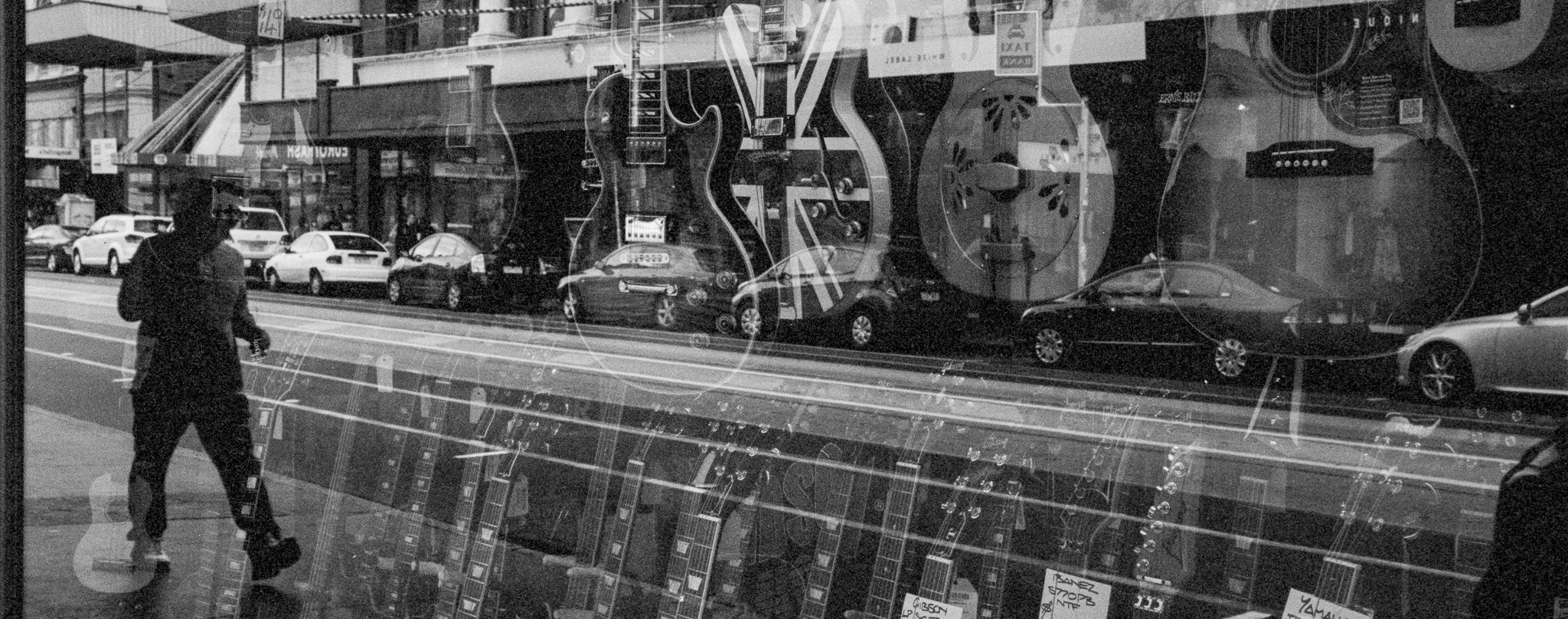
Guitar Man @LesWillPhoto 2015 Leica M6 TTL, Tri-X 400TX film, f11, 1/500, scan via Vuescan
Session 1
PSC is a very well respected institution in Melbourne and Australia so I start this course with a pretty high sense of excitement and expectation. First day is always a bit slow and clunky. We all met each other - about 18 of us - and our lecturer who is Scott McNaughton, photographer for Fairfax. Described himself as a mixture of technical photographer and creative photographer - so should cater for every type in the class ! Really solid guy that came across well from the get go. Outlined what we will go through over the next 20 weeks, and gave us an insight in to the fact that we are all starting from different points, and the course is all about lifting each of us from wherever we see ourselves at the moment. Sounds good. Also warned us that during the workshop our shots will get worse before they get better of course!
After sharing some of his own work and discussing his work (probably a bit more then he expected!) Scott took us through a quick history of photography, Covering work from Capa, H CB and the early Magnum people, he then moved on to the early photo journalism work of Annie Leibovitz. It was then whirlwind review of the work from James Nachtwey, Joe McNally, Elliot Erwitt and Greg Marinovich and the Bang Bang Club. Clearly a lot of content from a lot of photographers and all well worth exploring and reading up on. McNally's work is fantastic in my view, and the early Magnum greats are all inspirational given their focus on the creative capture of moments as opposed to the technology - as it wasn't around much then of course! Really enjoyed the albeit quick timeline run through from the first known photo (daguerreotype) to modern day photographs.

I like the fact that the workshop is all about lifting and bettering each of us from our own starting point, and as with any workshop, its more about what we want to get out of it as opposed to anything else. All good so far.
The PSC journey has started! Until next time.
Gear Review : Walking around Melbourne with the Leica Q

Some of my experiences with the Leica Q out on the streets of Melbourne, and how I found the workings of the camera overall.
Its been a while since I had an attack of G.A.S. (Gear Acquisition Syndrome) but when it hits it hits hard. Every car going by turns in to a possible delivery van; notes are left at letter boxes if I pop down the street for some time torn that I may miss the delivery; and product websites become bookmarked and checked daily. All the activity rises and reaches a crescendo once the buy button on any particular online store site is pressed. Tingles and angst run through the body in equal measure. Manuals are downloaded in anticipation. Accessory pages are searched for. Space is cleared in the office and camera bag in preparation.
Then it arrives.
The wallet and the body skip a beat.
In my latest attack, it was a Leica Q 116 that appeared. Ahead of time too which made it an even more intense G.A.S. attack.
But more about my inadequacies later perhaps, lets talk about the Leica Q.
Now I may or may not own other Leica pieces, but I am certainly not a Leica purest, but I do appreciate fine craftsmanship and design expertise. I also love a camera that just works.
The Leica Q is one of the finest cameras I have used out on the street for documenting everyday life. Its by no means a broad based utility camera. Its niche and its got a distinct purpose in the light capturing world. And for me it does it really well.

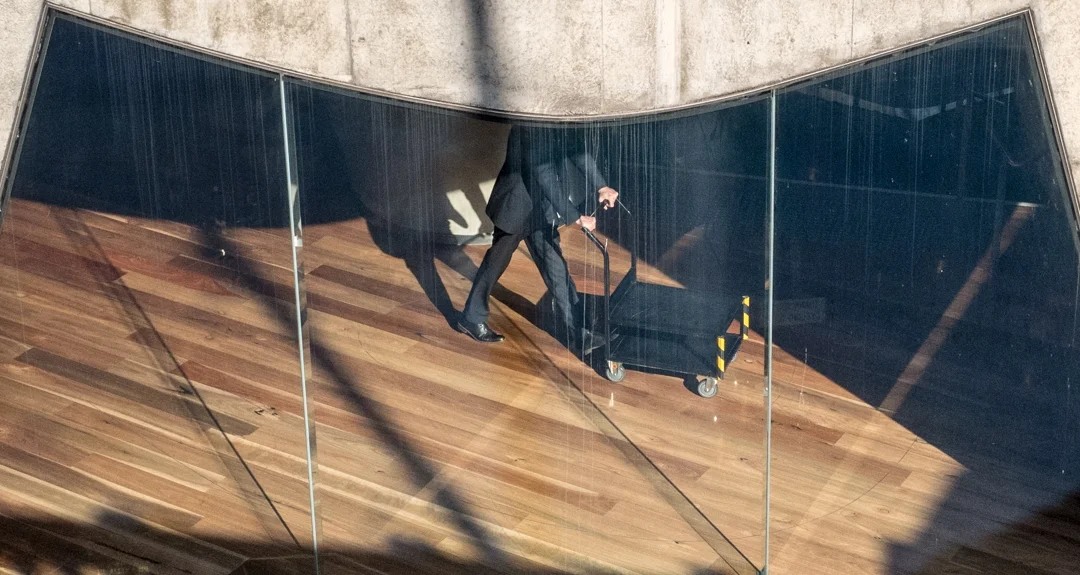
Walking On Sunshine @LesWIllPhoto 2015. Leica Q, ISO1250, f10, 1/2000, Autofocus
From a practical point, its light and doesn't hurt your neck after a full days walking around. (To make that an even nicer experience I recommend Harry Benz straps - awesomely nice.) With a strap the camera is easy to hold in the hands and the non protruding controls are all accessible and become very familiar very quickly. The lens AF to manual change feels just right, the way the macro DOF markings scroll out when you manually put it in macro mode is just great, and the lens hood is the only lens hood I have had that actually fits perfectly every time and looks the goods (although a metal slotted 49mm hood would be even better).
Its so well balanced and ready to go that it is a delight to hold, slippery front or otherwise. I will be adding a Thumbs Up once available of course and that should be that !
I normally use MF and Zone Focussing with my other camera for street documenting, but the AF mode on the Leica Q is so fast, why wouldn't you use it?. Its just so smooth and instant. I have it set to continuous shooting, 1 point focus, AFs, and centre weighted exposure. I have no LCD review period, standby in 5 minutes, and always leave the power switch ON and set to continuous. Turn off all the sounds, set the LCD/EVF to just EVF mode, and don't take any video (why would you with this photo beast?) and I found the battery lasts at least two long days of shooting and some. And the wake up time is fantastic. A quick tap on the shutter release, brings everything back to life, quick half press for focus then full continue to full press for a frame. Done and dusted. Perfect.
And the 28mm fixed lens? Apart from its technical prowess being right up there as per usual Leica lens standards, well you just have to get closer. Then take a step forward one more time. Then capture the frame.

Layers of Melbourne @LesWIllPhoto 2015. Leica Q, ISO1250, f/10, 1/2000, Autofocus
Now is all this awesomeness making my photos better? No of course not, that's still up to me and my vision and we are all on the journey as they say. And I am on a long one. But with this camera in my hand I know that it will do what I think I want it to do, when I want it to do it, and do it really really well.
Whinges at this stage after less than a month with the Leica Q? I tend to be from the "work with what you got" school (and you get a lot with the Leica Q), but some things are a little weird due to their omission/method of execution.
No RAW/DNG only option.
The LCD to EVF switching (if you keep the LCD active) is great but pretty simple and can't be controlled by easy to access button options.
The diopter adjust dial does need to be taped in place once set. Love applying crappy gaffa tape to a $4500 beast.
The direction pad is a little on the small side and takes some positioning work with the hand when you are looking thru the EVF. Could have been bigger for easier access.
Could have left all the video options out all together as far as I am concerned as they aren't great specifications and seem a little clunky in their adaptation, but I am not to comment too hard as I don't use photography cameras for video. Never !
WiFi functionality and App connectivity extremely clunky to configure, next to useless for the most part, and in my 5 minutes of tinkering had more dropouts than my old modem dial up service from the 90's, so I got over it. I still find the whole WiFI access area a gimmick and next to useless in improving workflow or photo taking. Keen for any views on this side of camera technology.
The price is the price and it is expensive, but in comparison to the Leica M range, its as much a bargain as Leica will produce in my view, and compared to the external mirrorless market such as Sony and co, well I haven't used any of those so best you found out from others or for yourselves. Its expensive. I will be getting mine insured.
Wrap Up.
Its an awesome camera and for the relatively small amount of time I have used it on the street, I think its by far the best device I have used. For street documenting in lots of environments, it does what you ask it to do and really quickly and discretely. High quality RAW/DNG images are produced. It's really really nice and comfortable to walk around with. I love it and its cured my G.A.S. so its back to the Eric Kim Buy Books Not Gear theory for me, and plenty of time out on the streets with this wonderful tool !
Let me know your view and experiences whether it be with the Leica Q or with other similar tools.